Notes App Lagging on iPhone: How to Fix
In this guide, we will show you a nifty method that should help you fix the issue of the Notes app lagging on your iPhone. While there are quite a few note-taking apps, but the one which comes preinstalled by the Cupertino giant is usually the go-to choice for the masses. One major reason for the same is its deep integration across numerous Apple devices- iPhone, iPad, and Mac.
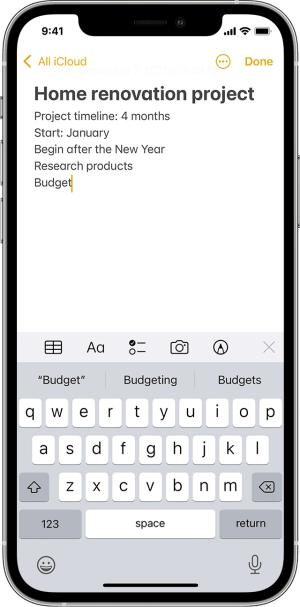
So you could create a note on one device and then easily access or modify it from the other. However, as of late, a few users have voiced their concern regarding the fact that the Notes app is constantly lagging on their iPhones. For some, the keyboard takes ages to appear whereas others have said that when they launch the app, it tends to slow down the entire device.
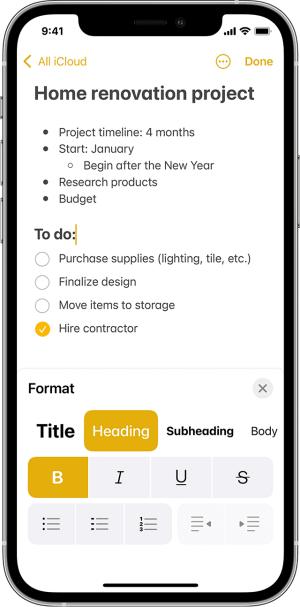
While there was one common factor among most of the affected users- they all had over 4000 notes- but that might not be the only culprit. So leaving that astronomical number of notes untouched, this guide will make you aware of a nifty workaround that should help you address this issue. Follow along.
Fix Notes App Lagging on iPhone
- Apple iCloud Notes not syncing with iPhone/iPad: How to Fix
- Notes App unable to load attachments in iOS 16: How to Fix
- How to Recover Deleted Sticky Notes in Windows 11
- Instagram Notes Missing: How to Fix

(Cancel Reply)
Δ
