Old School RuneScape Lag, Low FPS and Crash: How to Fix
In this guide, we will show you various methods to fix the lag, low FPS, and crash issues in Old School RuneScape. This massively multiplayer online role-playing game first made its way over in 2013 and is still going strong to this date. One major reason for this is the fact that the developers tend to roll out updates at regular intervals.

While every update might not add new goodies, but they sure improve the overall performance and enhances various other aspects of the gameplay. Unfortunately, the latest update seems to have done just the reverse of all this. Numerous users have voiced their concern that the game is undergoing random crashes every now and then.
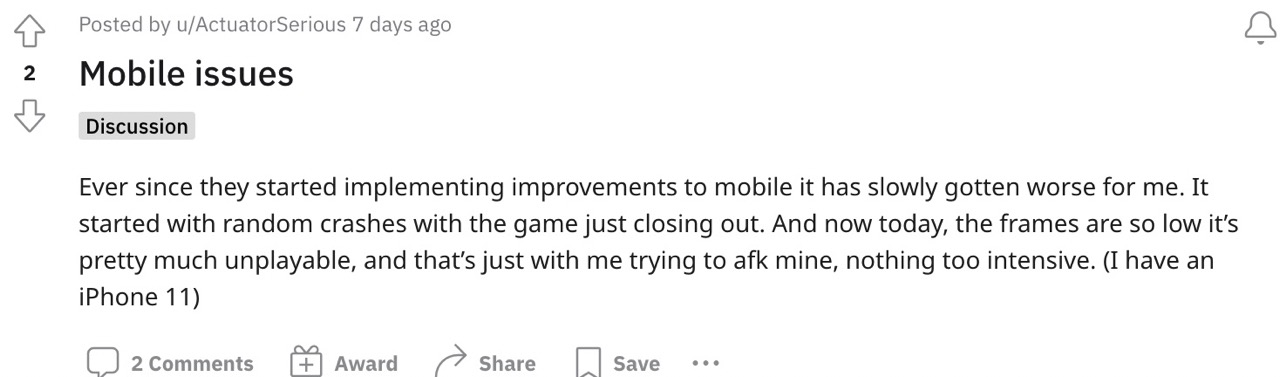
Apart from that, there are also massive frame drops which make the game literally unplayable. The low FPS issue is quite evident when a user teleports or enters a catacomb. With that said, there does exist a couple of nifty workarounds that shall help you fix the lag, low FPS, and crash issues in Old School RuneScape. So without any further ado, let’s check them out.
- Fix Old School RuneScape Lag, Low FPS, and Crash FIX 1: Turn off Respawn Timers FIX 2: Disable On-Screen Overlays
Fix Old School RuneScape Lag, Low FPS, and Crash
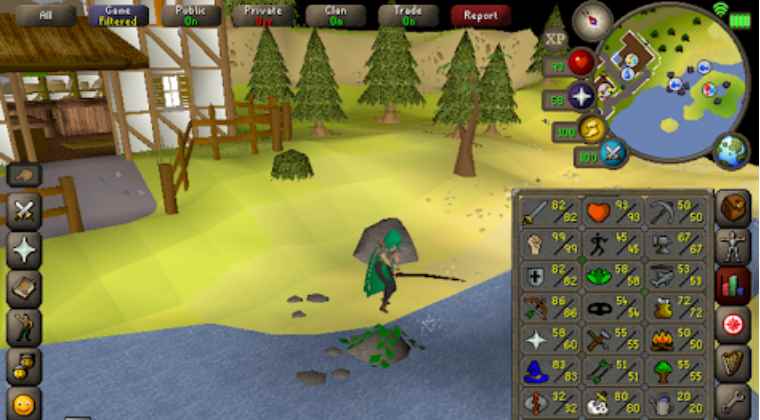
It is recommended that you try out each of the below-mentioned workarounds and then see which one spells out success for you. So with that in mind, let’s get started.
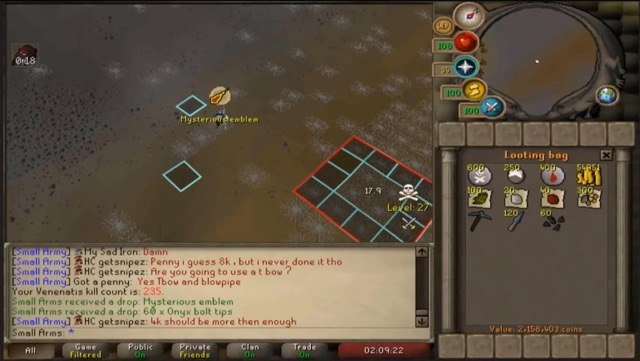
FIX 1: Turn off Respawn Timers
When it comes to fixing lags, then it is recommended that you should turn off the Respawn Timers in Old School RuneScape. So try out this tweak and check if it works out in your favor or not.
FIX 2: Disable On-Screen Overlays
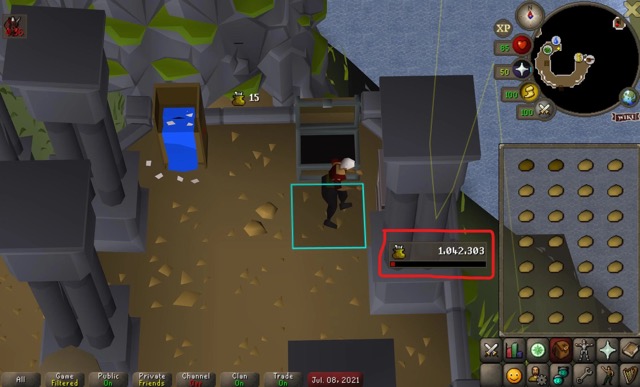
As far as the rectification of Old School RuneScape crashing is concerned, it is advised that you turn off all the on-screen overlays, including the likes of Mining or Woodcutting timers.
That’s it. These were the two different methods that shall help you fix the lag, low FPS, and crash issues in Old School RuneScape. As far as the official stance on this matter is concerned, the developers are aware of this issue, but they haven’t given out any ETA for the rollout of a fix. As and when that happens, we will update this guide accordingly. In the meantime, the aforementioned workarounds are your best bet.
- How to Increase FPS Rate of Games on Android
- Forza Horizon 5 FPS Drop and Low Frame Rates on PC [Fixed]
- Battlefield 2042 Low FPS issues: How to Fix
- Microsoft Flight Simulator FPS Drop and Lag: How to Fix

(Cancel Reply)
Δ
