OnePlus 13S: Unbrick | Go to Stock | Downgrade | Fastboot ROM
UPDATE : We currently have the OPLUS EDL Tool that will help you unbrick your OnePlus 13T/Ace 5 even if it is currently hardbricked, aka, in the EDL Mode. And the best part? It’s all free! Do check out our guide and video on this topic to know how to use this tool .
The number of devices OnePlus is rolling out is quite astonishing to say the least [hold on to your trophy, Xiaomi, OnePlus is coming for it]. If we talk about the 13th series, then there has now been a fourth addition to this lineup. After the flagship 13, we have the R, S, and T. As of now, our focus will be on the S variant- from flashing ROM to unbricking the device and everything in between. So without any further ado, let’s get started.
- Why is There a Need for Fastboot ROM?
- Download OnePlus 13S ROM
- OnePlus 13S: Unbrick | Go to Stock | Downgrade | Fastboot ROM
Why is There a Need for Fastboot ROM?
There are quite a few use cases for a Fastboot ROM. Let’s have a look at some of the most noteworthy ones.

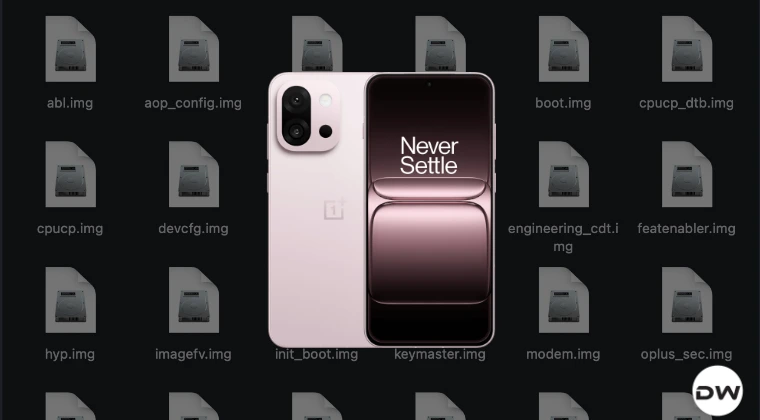
Files Inside OnePlus 13S Fastboot ROM
- Unbrick Device: If your device is currently in the softbrick or bootlopped state, then you can easily bring it back to life by flashing a Fastboot ROM.
- Upgrade OS: By manually flashing the ROM, you can also do a software update.
- Downgrade OS: Downgrading the OS of the device is also possible using these ROMs.
- Using Partition Files: if you want the init_boot.img file for root, modem.img to fix signal issues, or vbmeta for disabling AVB, then you can easily get all these files and more directly from the Fastboot ROM itself.
- Ease of Flash: The ROM that we are providing offers one-click flash. So you don’t need to type individual commands in the CMD window.
- Non-Extraction: There’s no need to extract the payload.bin via tools like Fastboot Enhance, as all the partition files will already be extracted.
Download OnePlus 13S ROM
You may get hold of the ROM file from the below link [Credits: danielspringer and XDA Senior Member koaaN].
DOWNLOAD LINK
Since this is a SuperFlasher, it is aimed at ColorOS and not OxygenOS. So it will work on the Chinese OnePlus 13S and not the Global one.
OnePlus 13S: Unbrick | Go to Stock | Downgrade | Fastboot ROM
- Download and extract the Android SDK Platform Tools on the PC.
- Then, enable OEM Unlocking and USB Debugging on your device.
- Next up, unlock the bootloader on your device [backup beforehand].
- Now, boot the device to Fastboot Mode via any of the two methods: Power off the device. Then press and hold Power and Volume Down keys. adb reboot bootloader
- Now, extract the ROM and launch the Super_Flasher.bat file. The flashing will start.
- Some files will be flashed in the Fastboot Mode before moving to FastbootD.
- It might ask for a format data as well, reply YES. Once done, reboot to the OS via: fastboot reboot
- How to Convert OnePlus 13T to 13S: ColorOS to OxygenOS
- Install PixelOS Android 16 on OnePlus 13R [Pixel 7 Pro Port]
- Cannot Install OTA Updates on OnePlus 13R/Ace 5 [Fixed]
- How to Convert Ace 5 to OnePlus 13R: ColorOS to OxygenOS

(Cancel Reply)
Δ
