OnePlus Verification Failed when Installing Update [Fixed]
In this guide, we will show you various methods to fix the verification failed error when installing an update on a OnePlus device. There exist quite a few methods through which you could get your hands on the update package on your OnePlus updates. While the OEM releases these updates via OTA, however, it usually takes time. So users generally get hold of the update file usually from other sources, with the Oxygen Updater app being the most popular one.
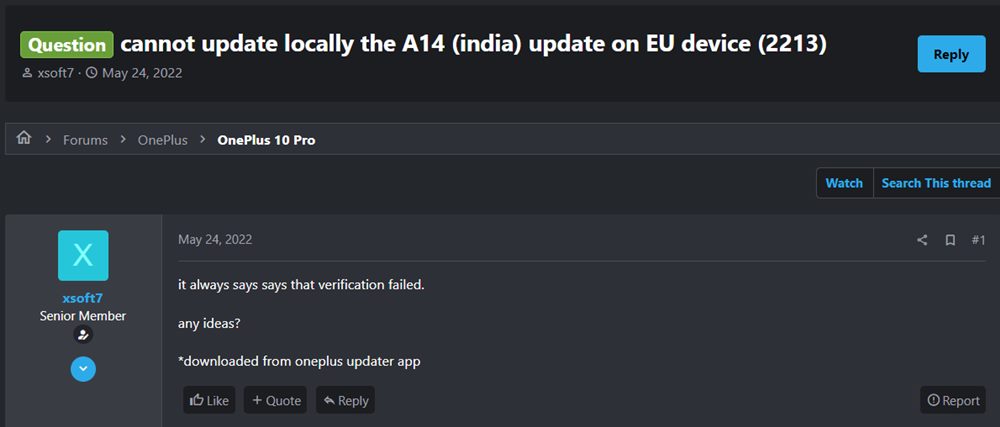
Once you have downloaded the update, you could then install it via quite a few methods. Among them, it is the Local Upgrade approach that many users are inclined towards. However, some OnePlus users are reportedly getting the verification failed error when installing an update via Local Upgrade. If you are also in the same boat, then this guide shall make you aware of potential fixes to rectify this issue.
Fix Verification Failed when Installing Update in OnePlus
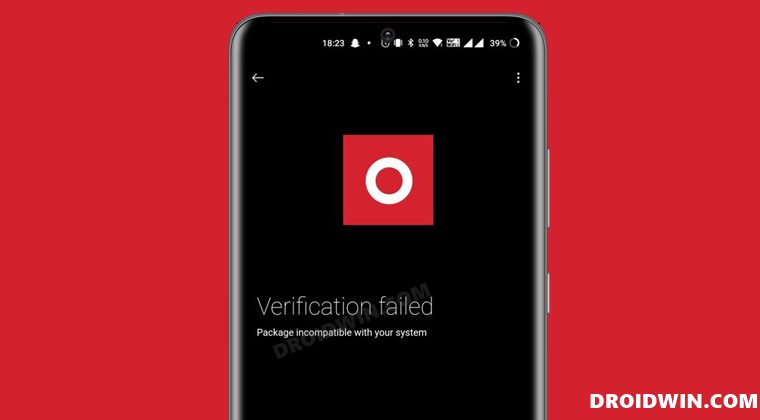
You will get this error message when you flash a different region’s firmware on your device using Local Upgrade [sich as installing EU firmware on Indian build]. Moreover, you may also get this error if you are flashing an older version of firmware or in other words, performing a downgrade. Since the Local Upgrade is the official method of installing updates, OnePlus wouldn’t allow you to cross flash the firmware or even perform a downgrade using this method. So what else could be done?
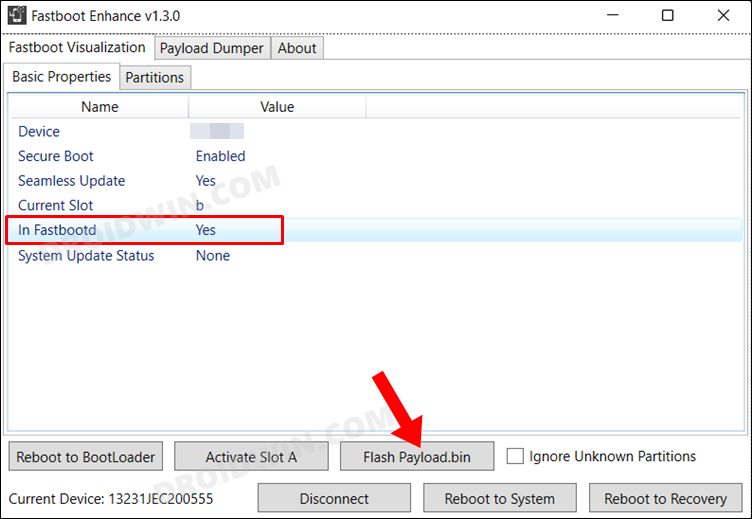
Well, you could opt for two additional methods- flashing the firmware via the Fastboot Enhance Tool or manually flashing it via Fastboot Commands , if your device’s bootloader is unlocked. Or you could use the MSM Download Tool in case of a locked bootloader device. As far as the Oxygen Updater app goes, it only allows you to download any region’s firmware, flashing is not possible via it.
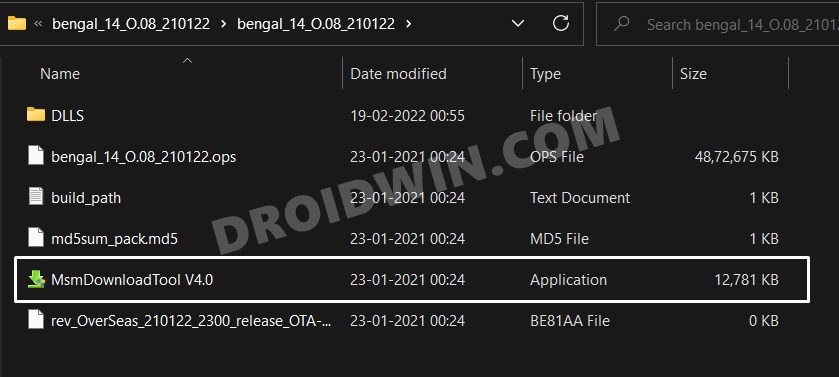
In short, to fix the verification failed error when installing an update on a OnePlus device, you should install the update/downgrade firmware only using a third-party tool or fastboot commands and avoid Local Upgrade at all costs. On the other hand, to avoid this error in the first place, make sure to only flash the latest firmware version that corresponds to your region [for which you could use the Local Upgrade method].
Fix OnePlus Verification Failed Without Oxygen Updater App
So a few users have reported that they haven’t interacted with any third-party apps [such as the Oxygen Updater App] nor are they trying to perform the downgrade but are still getting bugged with this issue. They have simply downloaded the update directly from the OnePlus website and are installing it via the Local Upgrade method but are constantly getting the Verification Failed error. So what could be the reason for the same?

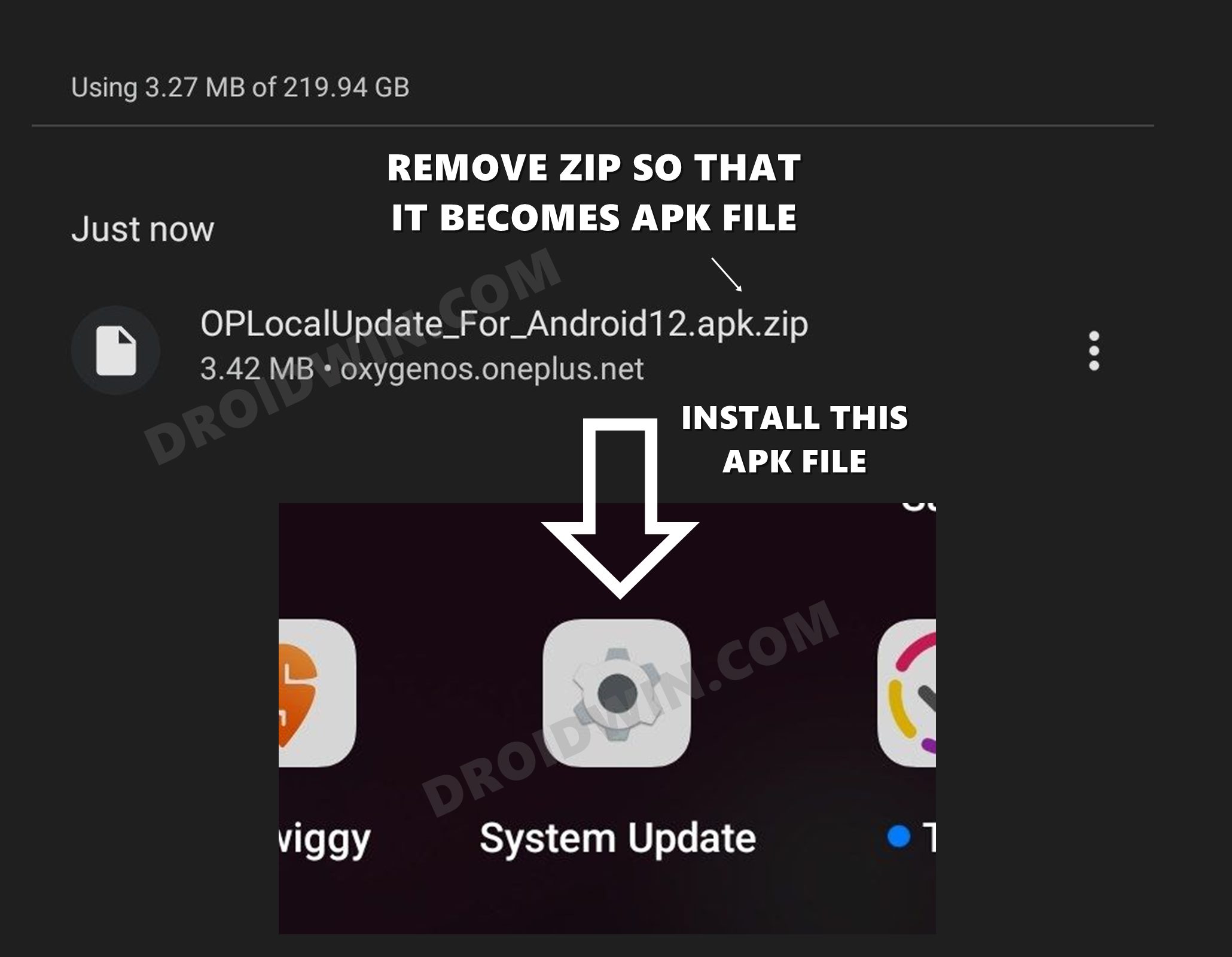
Well, beginning with Android 12, you will have to additionally download and install the OPLocalUpdate APK file onto your OnePlus device before you could proceed ahead with installing the update via Local Upgrade. If you don’t install this APK and straightaway jump over to the update process, then you are likely to get this error message. So download this APK file from the OnePlus website corresponding to your device’s update rollout page.
DOWNLOAD: OPLocalUpdate APK

NOTE: This package has around 4-5 APKs. Install one at a time and see which one works out for you.
- How to Enable Local Install in OnePlus 10 Pro
- Enable Greyed out OEM Unlock in OnePlus Carrier Locked T-Mobile
- How to Enable Factory Mode in any OnePlus Device
- How to Enable VoLTE and VoWiFi on any OnePlus Device

(Cancel Reply)
Δ
