Outlook formatting toolbar & Send button location has now changed
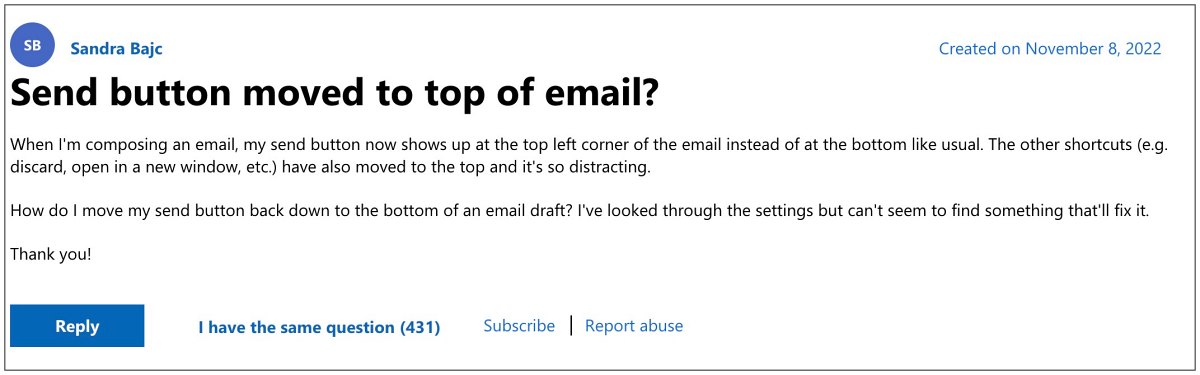
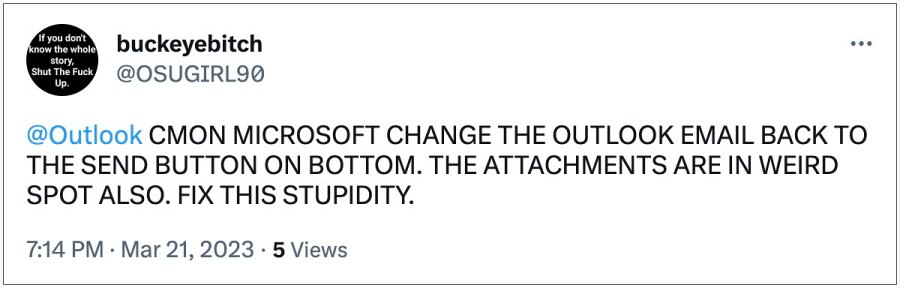
It seems that messing with Outlook’s UI/UX has become the Redmond giant’s new favorite time pass. Just a few weeks back we reported about its decision to move the navigation bar from bottom to left which caused a furor among the community. But rather than addressing that, it has gone a step ahead and made another massive front-end change. With the latest Outlook update, Microsoft has changed the formatting toolbar and Send button locations from the bottom to the top.
Outlook formatting toolbar & Send button location has now changed
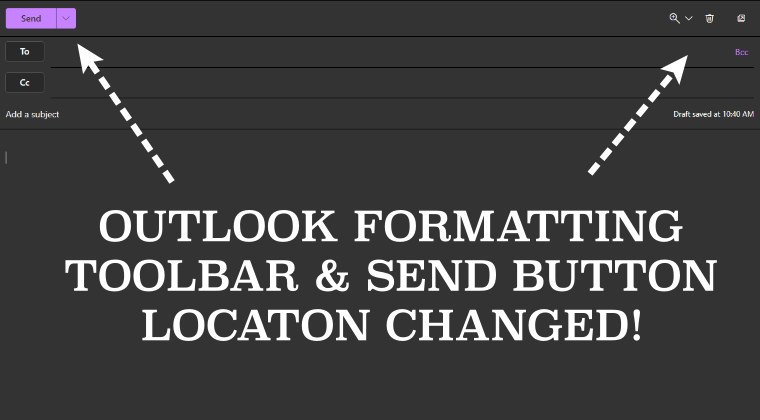
Earlier, the send button was placed at the bottom, below the message body. In the same line, you had the formatting toolbar which houses options like delete, open in a new window, and zoom in. It is proving to be quite a distraction for the end users and ultimately negatively affecting their workflow.
While changes to software or product are nothing new, however, it is usually carried out in the beta build first and then reviews of the beta testers are taken into consideration. If it’s on the positive side, then the feature is subsequently added i the stable build. or the second approach is to directly roll out the update in the stable version but gives the user an option to revert to the legacy build.
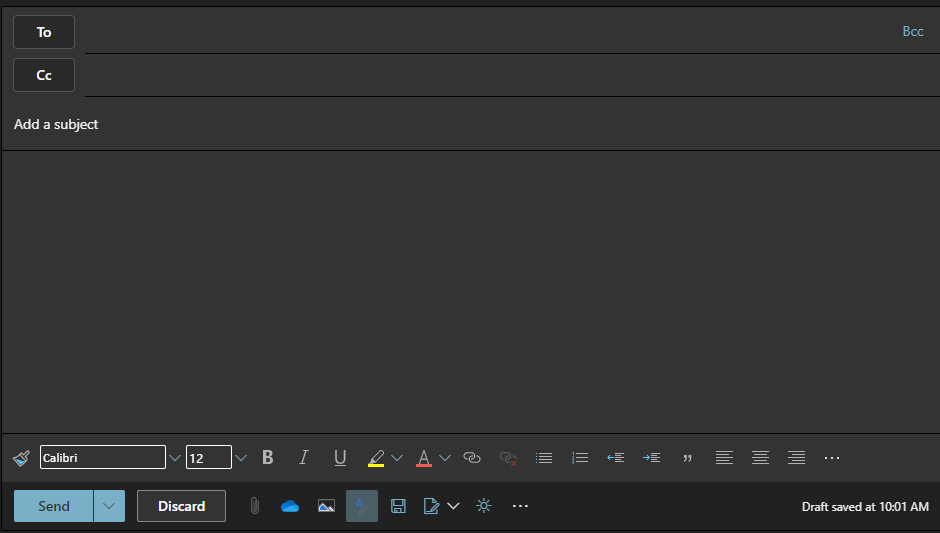
Old Location
However, Microsoft didn’t take any of these two routes. It has gone ahead and simply imposed this change, without giving any granular control to its users. The reason for the same is quite simple- because it knows that it has maintained a stronghold in this domain and users have no choice but to accept whatever changes are coming their way.
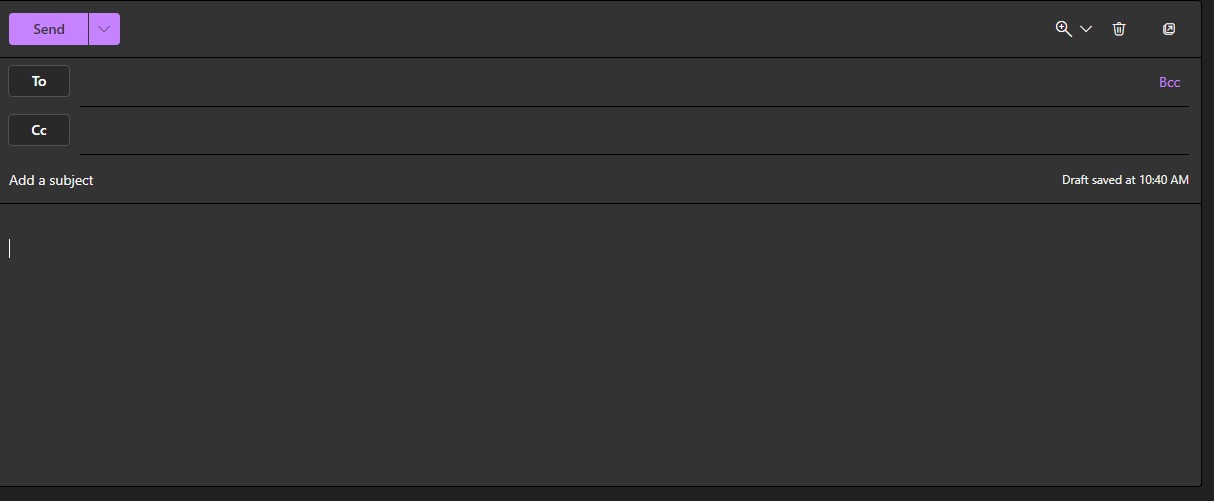
New Location
- How to Bypass Outlook Device Admin Policy
- Windows Calendar not working in Outlook/Teams [Fixed]
- How to Change the Location of Outlook PST/OST Files
- How to Switch to Old Classic Outlook View

(Cancel Reply)
Δ
