PayPal App “Transfer to Bank” option not working [Fixed]
In this guide, we will show you a couple of methods to fix the issue of the “Transfer to Bank” option not working in the PayPal app. When it comes to online payment systems, then there’s hardly an iota of doubt that PayPal is among the very best in this domain. Many small and scale businesses opt for it as the preferred mode of payment, especially when it comes to international transactions.
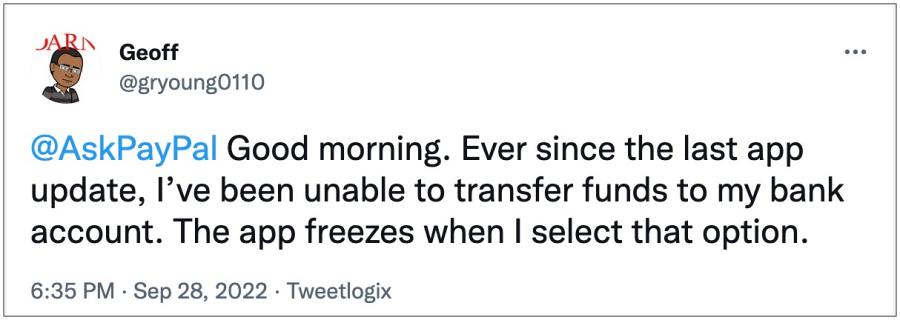
However, inspite of all these goodies attached, it isn’t free from its fair share of issues either. As of now, numerous users have voiced their concern that the “Transfer to Bank” option not working in the PayPal app. Whenever they select the said option, the app tends to freeze or crash. The rest of the features, including the “ Keep Money in PayPal” is working well and good, the issue is only with sending money to the bank account.
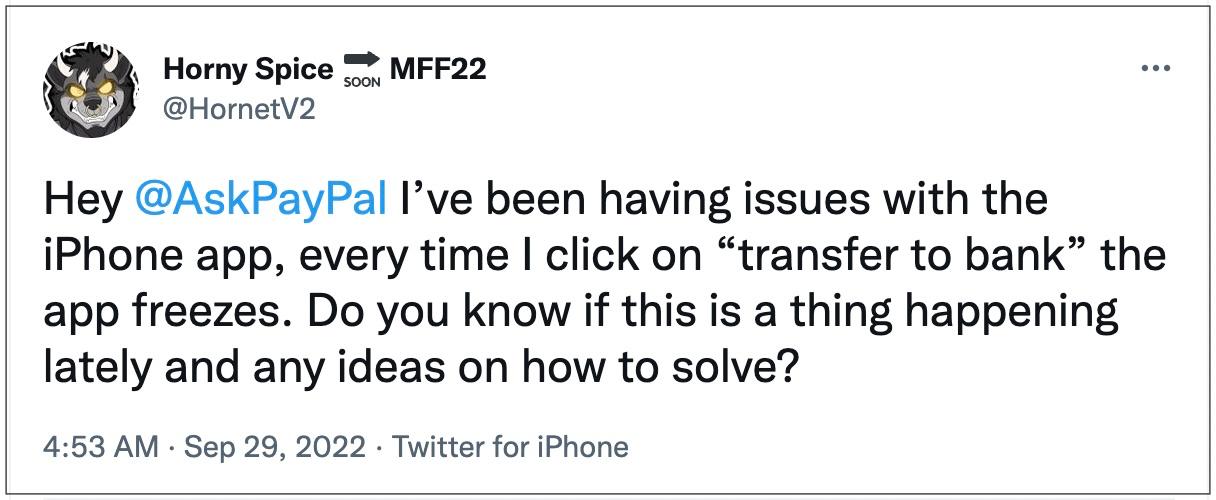
Moroever, the issue first came to light after the latest v8.26.0 update, and to rectify it, users have already tried the basic workarounds of restarting the app and even reinstalling it, but to no avail. With that said, there does exist a few nifty workarounds that shall help you fix this bug. So without further ado, let’s check them out.
- Fix PayPal App “Transfer to Bank” option not working FIX 1: Downgrade PayPal App FIX 2: Use PayPal Web Version
Fix PayPal App “Transfer to Bank” option not working

It is recommended that you try out each of the below-mentioned workarounds and then see which one spells out success for you. So with that in mind, let’s get started.
FIX 1: Downgrade PayPal App
The culprit behind this issue is the latest version 8.26.0 update, so to rectify it, you should downgrade it to the earlier stable build. Here’s how it could be done:
- Head over to Settings > Apps > See All Apps and select PayPal.
- Then scroll to the bottom and note down its current version number.
- After that, tap on Uninstall > OK in the confirmation prompt.
- Once the app has been uninstalled, download the older version from here.
- Then install it but do not launch it. Rather go to its Play Store page.
- Now tap on the overflow icon situated at the top right and uncheck Enable auto-update.
- Now launch PayPal and check if the “Transfer to Bank” option is working or not.
FIX 2: Use PayPal Web Version
As of now, only the app is bugged with this issue, its web version is free from this problem. So you could use this website for the time being till the issue is rectified by the developers.
That’s it. These were the two different methods to fix the issue of the “Transfer to Bank” option not working in the PayPal app. As far as the official stance on this matter is concerned, the developers are aware of this issue, but they haven’t given out any ETA for the rollout of a fix. As and when that happens, we will update this guide accordingly. In the meantime, the aforementioned workarounds are your best bet.
- Halifax Bank App Security Threat Alert on Huawei: How to Fix
- Google Pay ‘Your phone doesn’t meet security requirements’ error [Fixed]
- Apple Pay not working: Could not connect to Apple Pay on iOS 16 [Fixed]
- Why is Android System Intelligence not compatible with Samsung One UI 5.0

- IlDavo 3 years ago Reply THANK YOU, Sadique, for confirming that PayPal app’s “Transfer to Bank Account” option on PayPal app’s home screen does not work (and, in fact, can cause the app to freeze or otherwise misbehave). Workaround that resolved this issue for me: Tap “Finances” tab at the bottom of the app screen and select “Tranfer,” then choose “Transfer to bank.” Resulting screen does permit “Transfer to Bank” option to actually work.
(Cancel Reply)
Δ
