Pixel 6/Pro Black Screen Issue: How to Fix
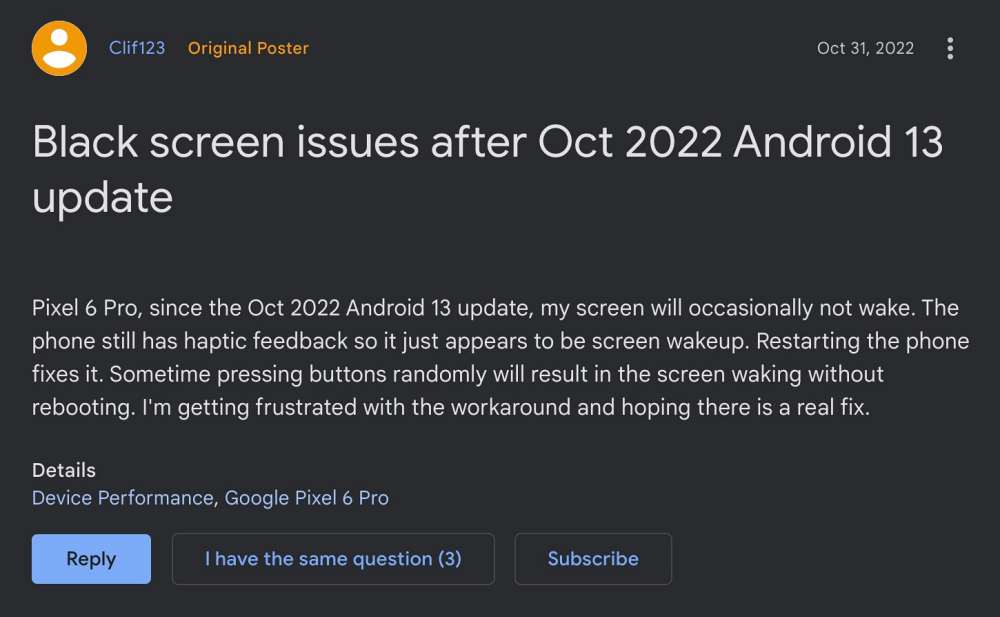
In this guide, we will show you the steps to fix the Pixel 6 Pro black screen issue. Numerous users having the latest iteration of the Pixel devices had raised their concerns regarding screen freeze and non-responsiveness. And now, the very same issue has made its way over to the sixth iteration of Pixel devices.
It tends to happen all of sudden with no noticeable triggering factor. So what is the root cause of this issue? Well, the culprit is Adaptive Brightness. For the unaware, this is an automated setting that notes down the brightness level of your display across various apps that you are using and the environment in which you are using it.
Then over the due course of time, it tends to implement these settings accordingly. However, as of now, it isn’t working along the expected lines and is thereby leading to black screen issues on your Pixel 6 Pro. So to rectify it, you will have to reset this feature. And in this guide, we will show you how to do just that. Follow along.
Fix Pixel 6/Pro Black Screen Issue
- Head over to Settings > Apps > See All Apps
- Then select the Device Health Service app from the list.
- Now go to its Storage and Cache section and tap on Manage Space.
- After that, tap on Reset Adaptive Brightness followed by OK in the confirmation dialog box.
- Fix Pixel 6 Pro Low Volume: How to Increase its Sound
- Blurry Screen on Pixel 6A/6/Pro on Android 13 [Fixed]
- Tozo Earbuds not working with Pixel 6/7/Pro [Fixed]
- How to Enable 5G on Pixel 6A/6/Pro [2 Methods]

(Cancel Reply)
Δ
