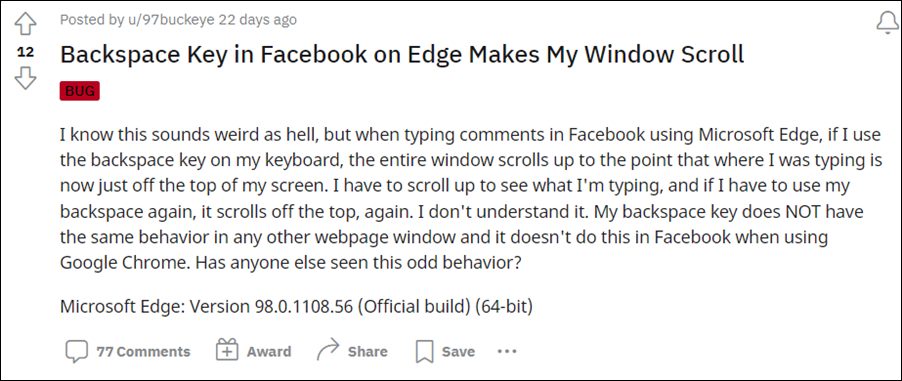
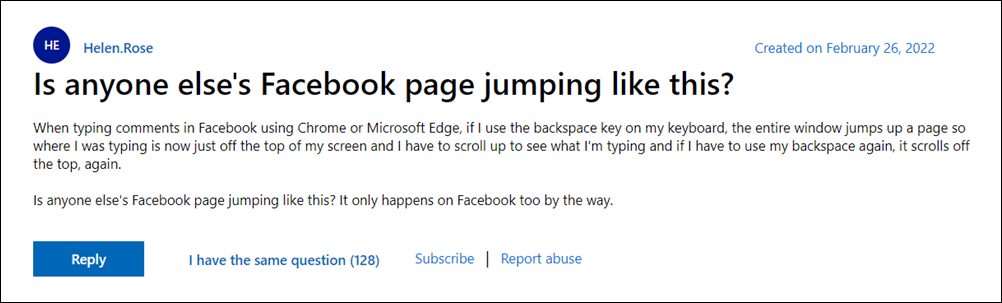
- Fix: Pressing Backspace in Facebook Comments leads to Page Scroll FIX 1: Use a Non-Chromium Browser FIX 2: Change Magnification Level FIX 3: Use the Shift+Enter Shortcut

Do note that there’s no universal fix as such. You will have to try out each of the below-mentioned workarounds and see which one works best in your favor. So with that in mind, let’s get started.
FIX 1: Use a Non-Chromium Browser
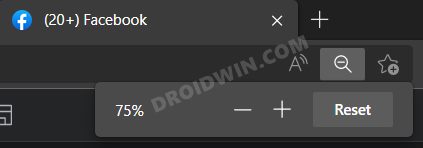
FIX 2: Change Magnification Level
Many users were able to rectify this issue after tweaking the zoom level. The default is set at 100% and upon lowering it down to 75%, the issue seems to be resolved. However, decreasing the magnification level will make everything on the screen small and could prove to be a challenging task in browsing the feed in such a display setting.
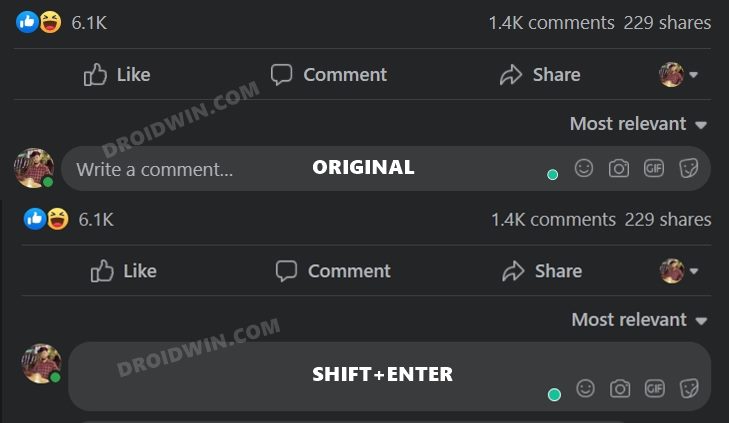
FIX 3: Use the Shift+Enter Shortcut
- Scrolling Screenshot Not Working in Android 12: How to Fix
- Top 10 Apps for Facebook to Enrich Your Experience
- How to Fix Samsung Scrolling Screenshot issues
- Fix No Notifications and Previews from Facebook Messenger after iOS 15

- Steven 3 years ago Reply The simplest fix for me was reducing the magnification on Chrome to 90%. It worked. Sadique Hassan 3 years ago Reply Great to hear that Steven.
- K 4 years ago Reply None of these are options on the android app, and it’s happening there too
(Cancel Reply)
Δ
