Quick Tap Toggle flashlight not working in Pixel 7/Pro [Fixed]
In this guide, we will show you the steps to fix the issue of the Quick Tap toggle flashlight not working in Pixel 7/Pro. The offering from the South Korean giant has always been known for its excellent camera, clean stock OS experience, and fastest updates. However, it also beholds a nifty feature that probably doesn’t get the attention that it deserves. We are talking about the Quick Tap feature that allows you to invoke various in-device features with just a double tap on the back of your device.
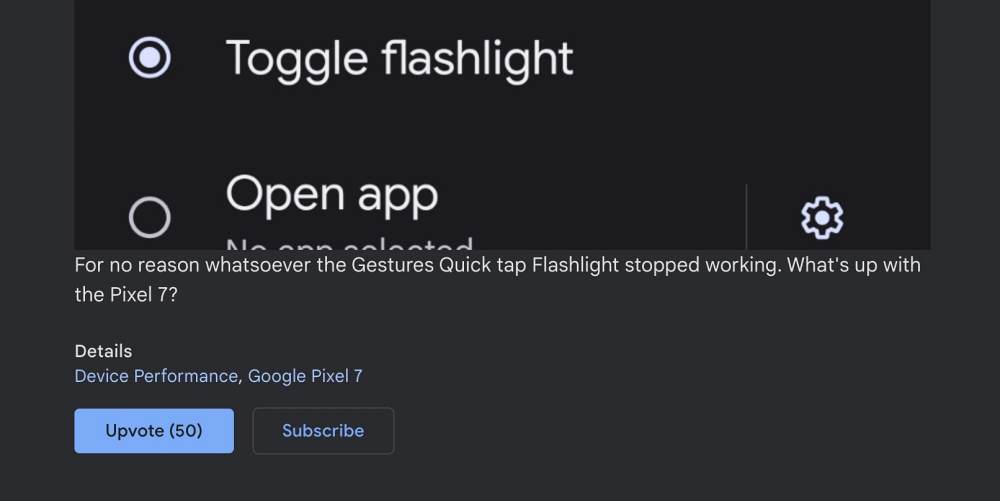
From taking a screenshot to opening an app, or pausing a media, there are a slew of features that it beholds. However, as of now, numerous users have voiced their concern that the ability to toggle the flashlight via Quick Tap is not working on their Pixel 7/Pro. The rest of the features are working well and good, and the issue is only bugging the ability to turn on the flashlight. If you are also in the same boat, then this guide will make you aware of a nifty workaround to rectify this issue. Follow along.
Fix Quick Tap Toggle flashlight not working in Pixel 7/Pro
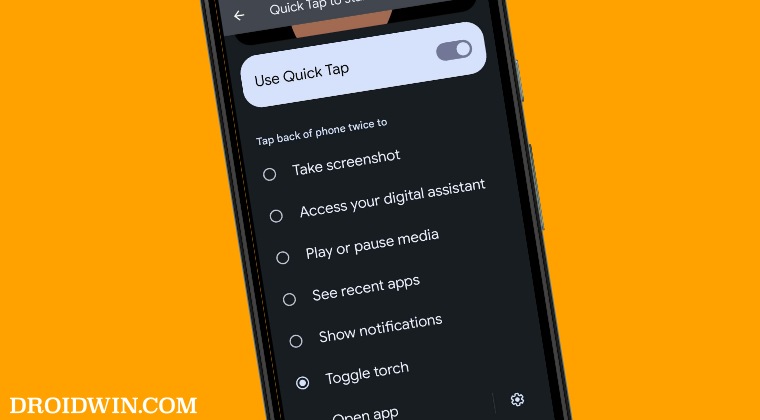
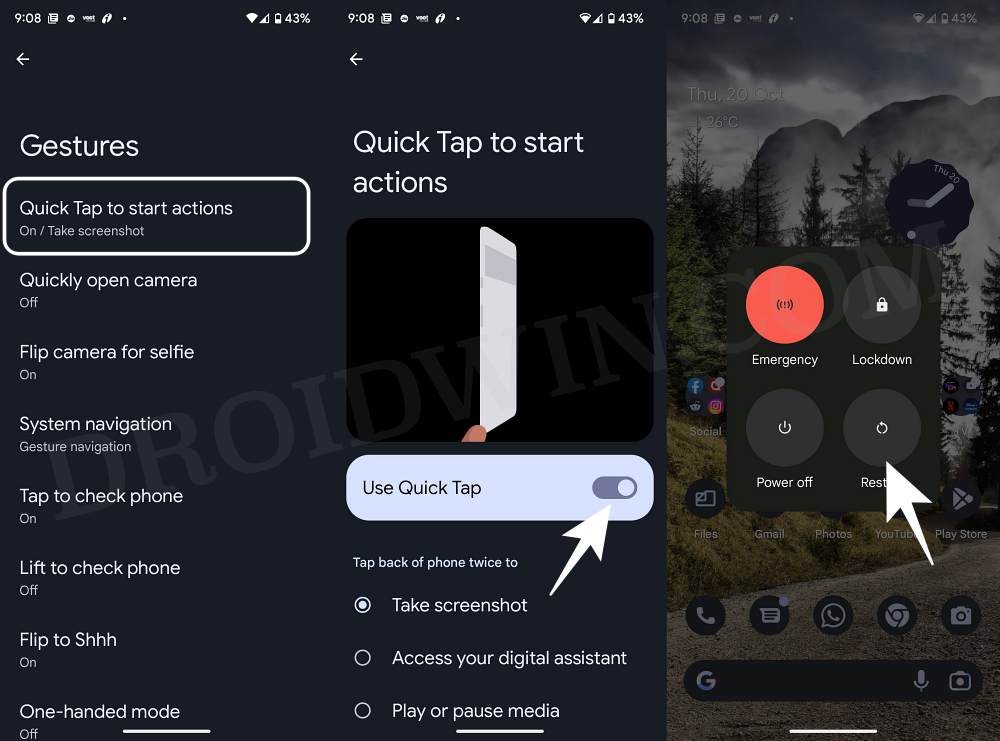
- Head over to Settings > System > Gesture.
- Then go to Quick Tap to start actions.
- Now turn off the toggle next to Use Quick Tap.
- Then restart your device and re-enable Use Quick Tap.
- Can’t Install Google Play System Update of October on Pixel 7/Pro [Fixed]
- Here’s why Pixel 7/Pro Face Unlock will not work with Banking Apps
- Locked Folder missing in the Camera app in Pixel 7/Pro? Here’s the Fix!
- Pixel 7/Pro: Cannot Update Android System Webview [Fixed]

(Cancel Reply)
Δ
