Random Resprings Happening on iPhone running iOS 26!
There are a lot of things to bash about in the latest OS released by the Cupertino giant, with the Liquid Glass undoubtedly occupying the top-most position. Apart from that, there are tons of other UI/UX issues bugging this release as well, but I would have never imagined that random respring would be an entry in this list.
For the unaware, respring is the white animated circle/spinning wheel on a black background that you usually get when the OS performs a soft reboot, a UI restart, or when an app refreshes itself after a crash. And when it happens, you will be taken straightaway to the lock screen.
Random Resprings Happening on iPhone running iOS 26!
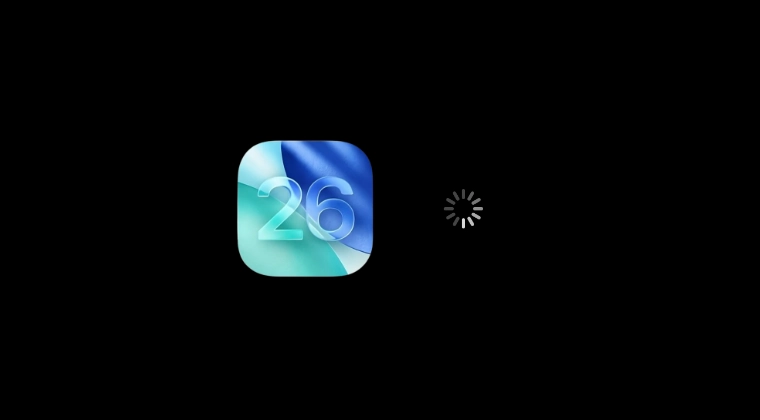
With iOS 26, these repsrings tend to appear randomly every now and then, thereby disrupting the workflow of the users. There are no specific tasks or set of patterns that could end up invoking this ‘bug’; it’s happening all of a sudden out of nowhere. It’s been reported across numerous iPhones too, right from the older iPhones 12 and 13 to the latest Air. Moreover, the issue isn’t just limited to the beta updates; it is even being reported on the stable builds now.
The only change observed from the time the issue was initially reported to now is an increase in its frequency. Earlier, it occurred every couple of days, which has now turned into once every couple of hours [at the worst]. On a side note, another weird thing I noticed is that if the music is being played and this issue pops up, it wouldn’t get paused and would still be playing in the background.

So this begs the all-important question- is there a fix for these random resprings on iPhone iOS 26? Unfortunately, not yet. We have tried numerous workarounds, but none of them spelled out success. Since the problem isn’t linked to carrying out any specific task, it is becoming even more challenging to find the culprit. Although I did look into the logs right when the resprings happened, but there’s nothing concrete using which we can draw a conclusion.
Every time it was a different app, service, or process running when that bug occurred, so it’s difficult to point fingers at any particular entity. With that said, we are actively debugging this issue and will update this article as soon as we stumble upon a fix/workaround. Stay tuned!
- iOS 26 Ruined Contacts App! Here’s How to Fix It
- Urgent Missing in iPhone Reminder in iOS 26.2: How to Fix
- This setting is managed by your organization iOS 26 [Fix]
- Folder Icons Missing in Notes App on iOS 26 [Fixed]
- How to Remove Black Bar over the Keyboard in iOS 26

(Cancel Reply)
Δ
