Red Microphone Voice Recording icon in Messages iPhone [Fixed]
Numerous users have recently voiced their concern that they are getting a red microphone recording icon in the Messages app on their iPhones. In theory, this icon should only appear once you tap on the microphone icon and are currently recording an audio. However, that doesn’t seem to be the case and the live recording icon is persistently present there.
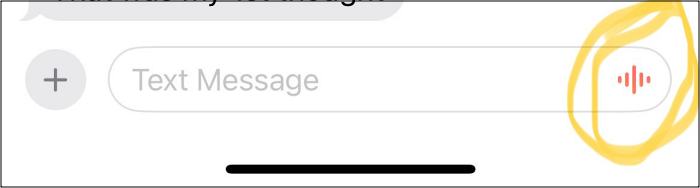
So this ends up giving a false notion to the users that their conversations are being constantly recorded and could be sent to the receipt inadvertently. Apart from ending up in an embarrassing situation, in some cases, this could prove to be a major privacy and security concern as well.
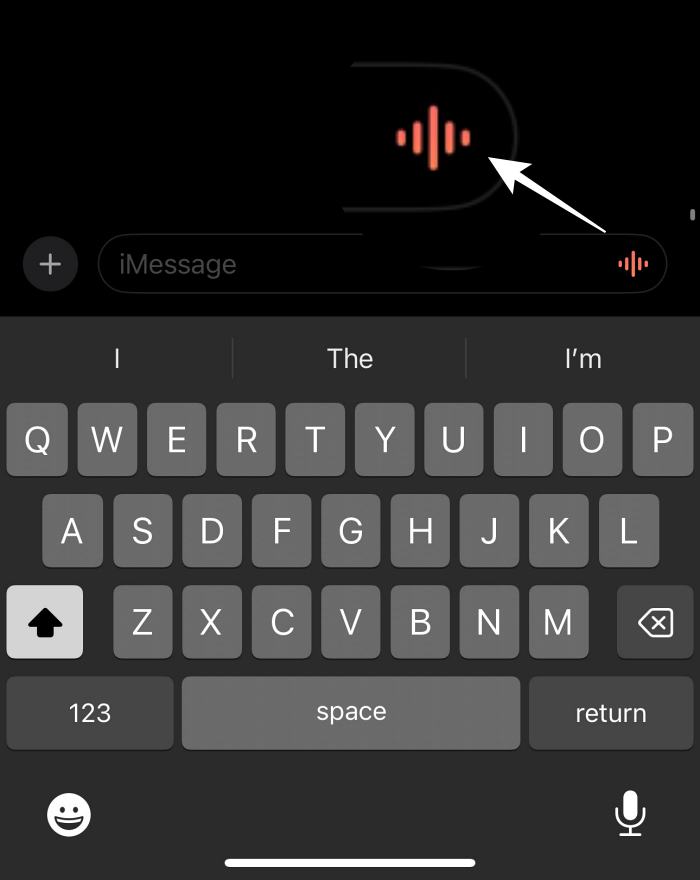
Moreover, most of the users affected by this bug have also reported that the microphone icon has completely disappeared from their keyboard ever since the recording icon made its presence felt. All in all, it’s all messed up out there. Fortunately though, there do exist a couple of handy workarounds that could help you resolve this problem. So without further ado, let’s check them out.
- Red Microphone Voice Recording icon in Messages iPhone [Fixed] FIX 1: Enable Dictation FIX 2: Turn off Raise Arm to Listen FIX 3: Via the Microphone Icon
Red Microphone Voice Recording icon in Messages iPhone [Fixed]
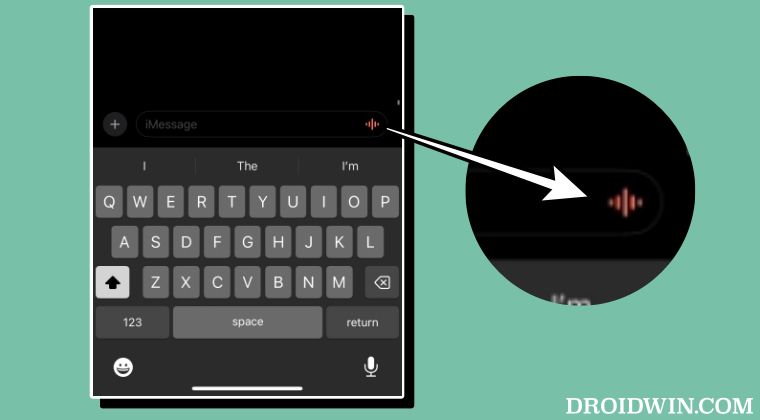
It is recommended that you try out each of the below-mentioned workarounds and then see which one spells out success. So with that in mind, let’s get started.
FIX 1: Enable Dictation
Many users were able to rectify this issue after enabling Dictation. So let’s give it a try using the below-listed steps and check out the result.
- Head over to S ettings > General > Keyboard > Enable Dictation.
- Check if the red voice recording icon in Messages is gone or not.
FIX 2: Turn off Raise Arm to Listen
As strange as it may sound, turning off this feature did the job for a subset of users. So let’s try it out and check if it works in our favor or not.
- Head over to Settings > Messages and disable Raise to Listen.
- Check if the red voice recording icon in Messages is gone or not.
FIX 3: Via the Microphone Icon
First off, make sure that the microphone icon is there at the bottom right. If that is not the case, then long press on the red voice recording icon, and the microphone icon should then appear. So double tap on that microphone icon and this should rectify the underlying issue.
- iMessage is switching to a primary number on iOS 17: How to Fix
- iOS 17 iMessage activation issue: How to Fix
- iMessage Search cannot find old messages on iOS 17!
- iMessage Check-In Feature not working in iOS 17 [Fixed]

- Sue 1 year ago Reply Enable dictation was already on and not shutting off because said will be a pain to restart. Tried other two ideas , but didn’t work either. It came on when i had hung up and was bitching about something and was sent! Not happy. I don’t worry so much about the government as I do about so called upgrades designed by what ? Teenager programmers who keep adding stuff that they may think is cool but doesn’t help me at all. Enough! Fix glitches and quit adding Stuff. Everytime we turn around they’ve changed my iphone. My friend (not the one i messaged) and I sat here for quite some time comparing phones to see if something was off or on that would make a difference. It didn’t. He has the microphone icon and I don’t. I long held the red icon but the microphone came on and started to record. Shut it off. Tried again. No. I don’t want to delete the messages from this person. It won’t let me start a new group. The red icon is only on her thread. Grrrr
- Shelia 2 years ago Reply On my iPhone I do Not have Enable dictation so can’t try that one. I shut off the raise arm to listen the red icon is still there. I tried the 3rd one remedy but no microphone icon appears so can’t turn that off either. I hate this being on my phone I feel it’s a privacy issue and since it’s suddenly appeared on alot of iPhones I am wondering about government overreach, in other wards invading Americans privacy????
(Cancel Reply)
Δ
