Retroactive iTunes cannot identify iPods or CDs: How to Fix
In this guide, we will show you the steps to fix the issue wherein Retroactive iTunes cannot identify the iPods or CDs. This nifty open-source app allows you to run Aperture, iPhoto, and iTunes right from macOS Catalina all the way to macOS Ventura. Apart from that, it also gives you a handy platform to try out Final Cut Pro 7, Logic Pro 9, and iWork ’09 on macOS Mojave or macOS High Sierra. However, as of late, users are having a tough time dealing with iTunes.
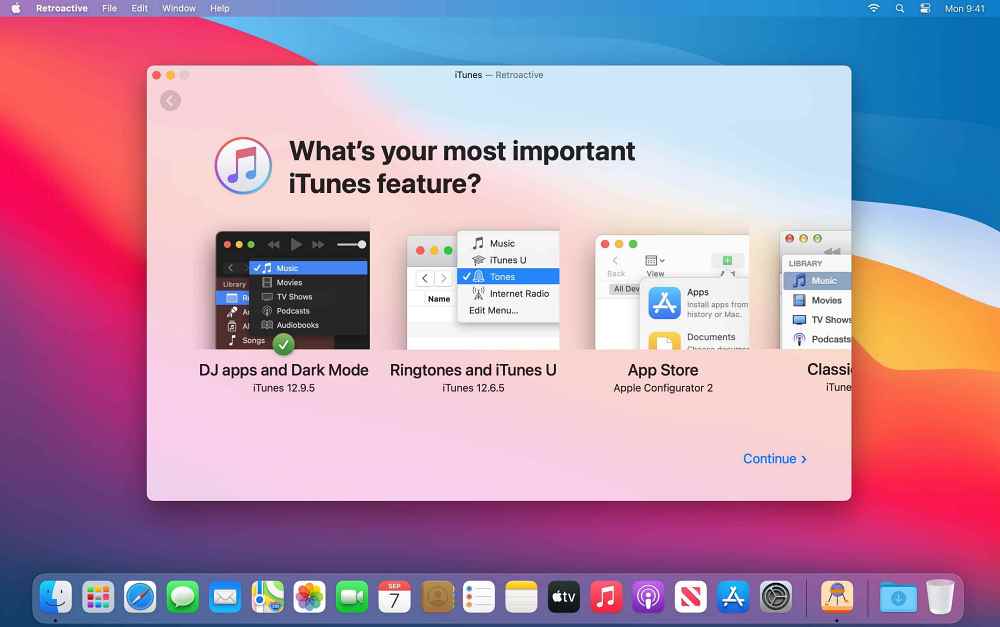
Many of them have voiced their concern that Retroactive iTunes is no longer able to identify the iPods or CDs, although it could still play songs from their music library. Earlier, the songs on your CDs and iPods would show up in the iTunes menu, but now CDs open in the Music app, and iPods show up in the Finder, which ends to destroy the sole purpose of this app in the first place. If you are also getting bugged with this issue, then this guide shall help you out. Follow along.
Fix Retroactive iTunes cannot identify iPods or CDs
- Disconnect your device from your mac, but keep iTunes running.
- After that, go to Launchpad > Others > and open Terminal.
- Then execute the below command in this terminal window: killall AMPDevicesAgent
- Connect your device back to your Mac and this should fix the bug.
- Mac does not go to sleep automatically after set time: How to Fix
- Trackpad not working in Mac/Macbook: How to Fix [10 Methods]
- Cannot Format Drive using Disk Utility in Mac: How to Fix
- Save Mac Screenshots as JPG, GIF, TIFF, HEIC, or PDF [instead of PNG]

- Richard Caspari 3 years ago Reply I have a 13″, Mid 2012 MacBook Pro now running under Catalina 10.15.7. It has a built in CD drive. Is this the “device” I must disconnect in order to get the CD drive activated for iTunes? Thanks, Richard
(Cancel Reply)
Δ
