Roku Remote Skipping Channels: How to Fix
In this guide, we will show you a nifty method to fix the issue of Roku Remote skipping channels. Beholding a digital media player for video streaming, and audio equipment, and having an ad-supported video-on-demand service, Roku seems to have check marked all the streaming prerequisites with ease. However, in spite of all the goodies that it has to offer, it isn’t free from its fair share of issues either.
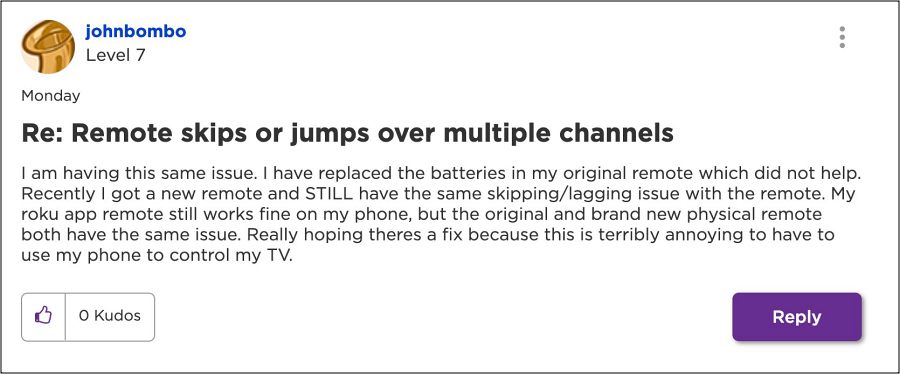
In this regard, numerous users have voiced their concern that their Roku Remote has started skipping multiple channels. The same behavior is exhibited if the user navigates through the menu. All this is giving quite a tough and equally infuriating time to the end users as they are unable to navigate through the channels or the menu with ease. If you are also in the same boat, then this guide will help you out. Follow along for the fix.
Fix Roku Remote Skipping Channels
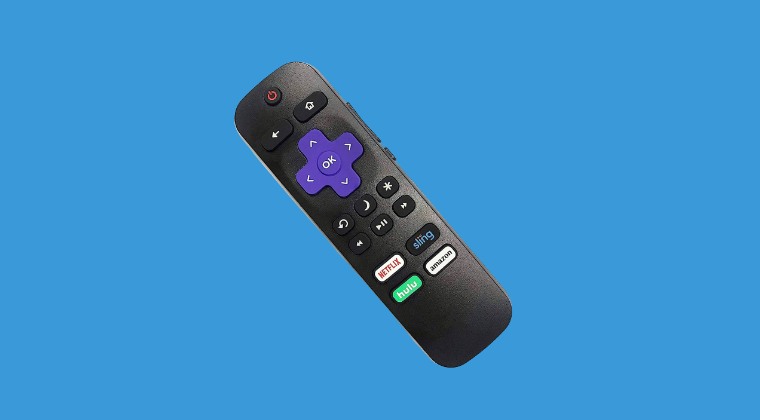
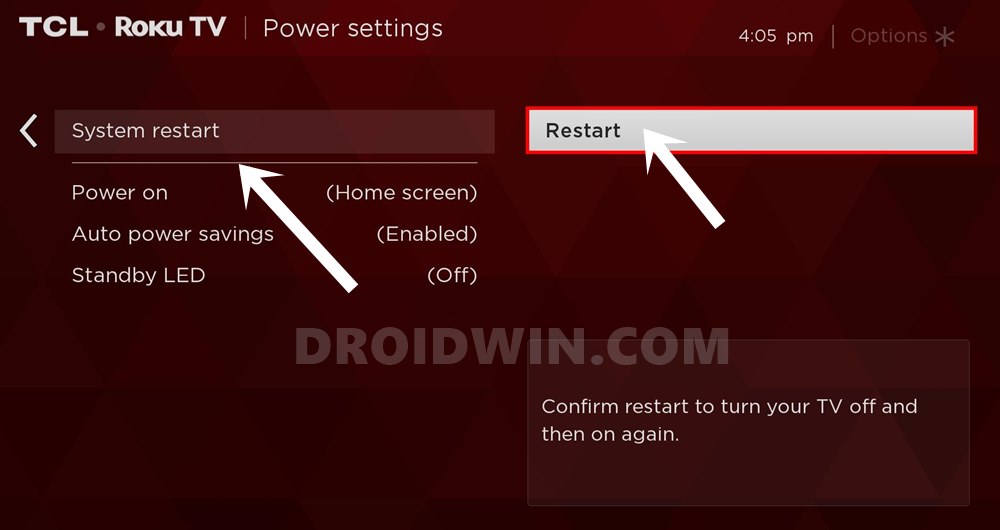
The rectification measure is infact quite simple- all that you need to do is just restart Roku. Depending on your Roku model you’ll find the “System restart” option under “Settings > System > Power” or under “Settings > System”. Or you can also restart by pulling the power plug to the Roku for a few seconds then plugging it back in and waiting for it to restart.
- Roku automatically changes volume [Fix]
- Washed-Out Color on Fox Sports App on Roku [Fixed]
- HDCP Error Code 020 on Roku OS 10/11: How to Fix
- Roku Channel Bug: Audio starts but Video stuck on commercial [Fix]

- Mike Gormley 2 years ago Reply If I do a Roku restart, will I loose my specialized “table of contents”? Mike Gormley 2 years ago Reply Never mind, I went ahead with the restart and I did not lose my special table of contents.
(Cancel Reply)
Δ
