Safari Crashing with Stage Manager in iPadOS 16: How to Fix
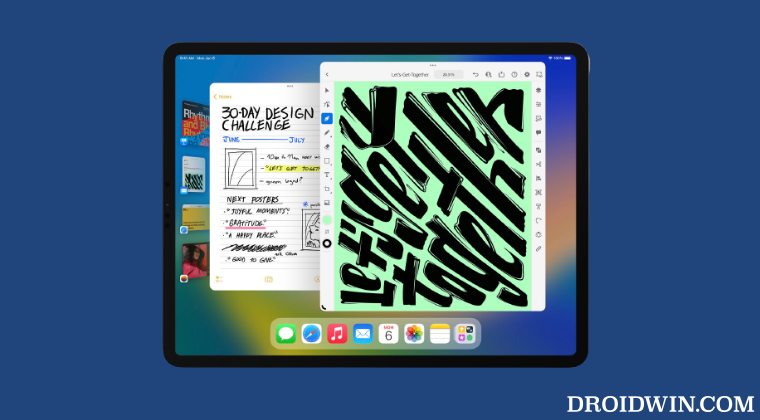
In this guide, we will show you the steps to fix the issue of the Safari app crashing with Stage Manager on iPadOS 16. The sixteenth iteration of the OS for the tablets brings in a slew of intriguing features. Among them, it’s the Stage Manager that grabbed the attention of the masses. A new multitasking system that adds overlapping and resizable windows to your tablets, it keeps the current window at the center and sends the rest of the opened windows to the left-hand side.
With that said, a few users have recently voiced their concern that both the Safari and Files apps are crashing when launched with Stage Manager on iPadOS 16. The issue is even more prominent with the iPadOS 16.1 beta 10 version. Fortunately, there does exist a nifty workaround that shall help you fix this bug. So without any further ado, let’s check it out.
How to Fix Safari Crashing with Stage Manager in iPadOS 16
- To begin with, open the Settings menu and go to Home Screen & Dock.
- Then tap on Stage Manager at the bottom of the Home Screen & Multitasking screen.
- Now disable the toggle next to it to turn off the Stage Manager.
- Once done, now open the concerned app [which is Safari in this case] in the Split view.
- You may now re-enable Stage Manager and this time the app will no longer crash.
- Allow Paste in iOS 16/iPadOS 16: Does it even makes sense?
- Safari keeps logging me out of websites: How to Fix
- How to Stop Safari from Automatically Updating itself
- Fix: Safari is unable to remember the last scroll position in iOS 15 Beta 4/5

(Cancel Reply)
Δ
