Samsung One UI 4 (Android 12) notifications font size too small [Fixed]
In this guide, we will show you the steps to fix the small notifications font size in the latest Samsung One UI 4.0 Android 12 update. The twelfth iteration of the OS is now underway and users are welcoming a plethora of new and intriguing features on their devices. Samsung follows its own chartered territory when it comes to releasing updates. and have also rolled out the stable build of its OS for the flagships.
So the Galaxy S21 series users have now been blessed with the new Material UI design, revamped widgets selection screen, improved privacy, and a plentitude of other noteworthy features. However, a few bugs and issues seem to have crept into this stable build as well. Quite a few users have voiced their concern regarding the small text size in the notification panel on their S21 series devices.
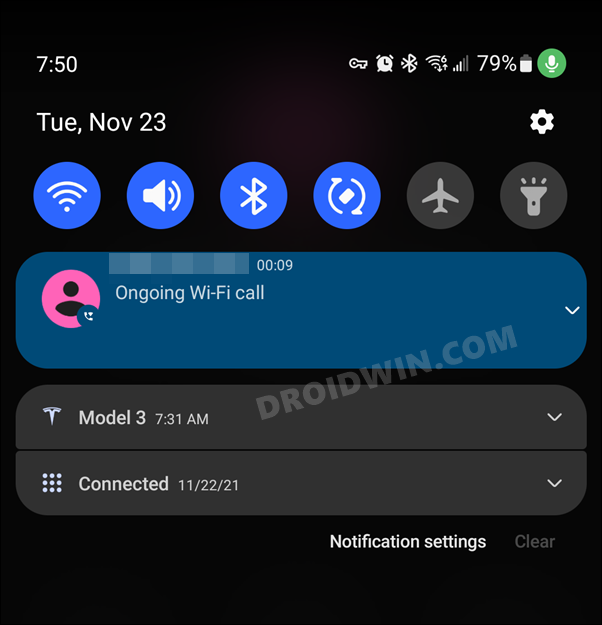
This issue seems to have started right after installing the One UI 4.0 update. As a result, it has become an extremely challenging task in getting hold of the incoming contents and the message that it is trying to convey. In this regard, users have already tried adjusting the text zoom, but to no avail.
While it tends to increase the font size across most of the device components, but the notification panel remains an exception and so does this issue. So if you are also getting bugged with this problem, then this guide is here to help you out. In this tutorial, we will show you the detailed instruction steps to fix the small notifications font size issue in the latest Samsung One UI 4.0 Android 12 update. Follow along.
How to Fix Samsung One UI 4 (Android 12) notifications font size too small
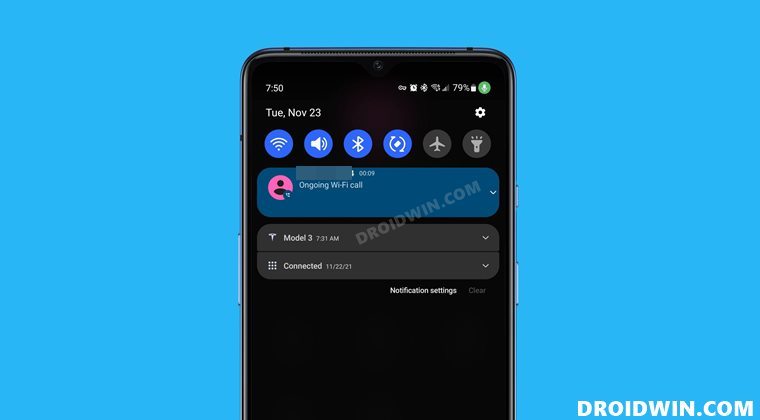
- To begin with, head over to the Settings menu on your device.
- Then go to Display and scroll to the Screen Resolution section.
- Now change the screen resolution to the maximum value and hit Apply.
- After that, switch back to your original value and hit Apply to save it.
- How to Change the Lock Screen Clock Size in Android 12
- How to Root Samsung One UI 4.0 Android 12 via Magisk
- Downgrade Samsung One UI 4.0 to One UI 3.1 (Android 12 to 11) via Odin
- Manually Install One UI 4.0 Beta Android 12 on Samsung

- Samsung user 4 years ago Reply No screen resolution option in samsung m21 🙁
- Fh 4 years ago Reply Thanks!
- Yash 4 years ago Reply Thanks alot for this post, after updating to Android 12 one UI 4 i was frustrated as not ablet to track my notification.
- Brett Autrey 4 years ago Reply Notification font size fix didn’t work.
- Brody 4 years ago Reply Any tips for how to fix this issue on the S20 FE? That model is locked into one screen resolution. Thanks!
- Jurgen 4 years ago Reply Did not work on galaxy s20 ultra 🙁
(Cancel Reply)
Δ
