Samsung One UI 6.0 Quick Panel greyed out: How to Fix
In this guide, we will show you the steps to fix the issue of Quick Panel settings greyed out on One UI 6. One of the biggest USPs of Samsung’s underlying OS skin is its one-handed mode. This is evident throughout the system as you can see all the on-screen elements are pushed towards the bottom half of the screen so that you don’t require your second hand to interact with them. With screen size nearing closer to the 7-inch mark, this is one of its most useful functionalities.
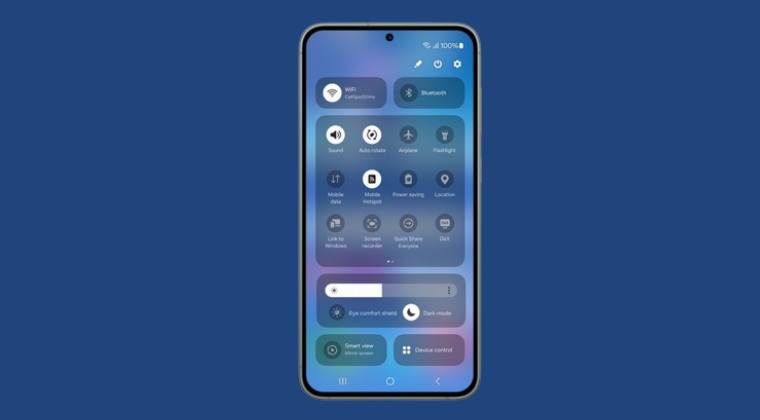
However, with its latest OS based on Android 14, it seems to have slightly deviated from its root, at least in one section. The menus in the Quick Panel have now been pushed all the way to the top, with the most important features like WiFi and Bluetooth occupying the topmost row. So, users who own the likes of S22 or 23 Ultra might have a tough time dealing with it in the initial phase. And that isn’t the only issue users are facing.
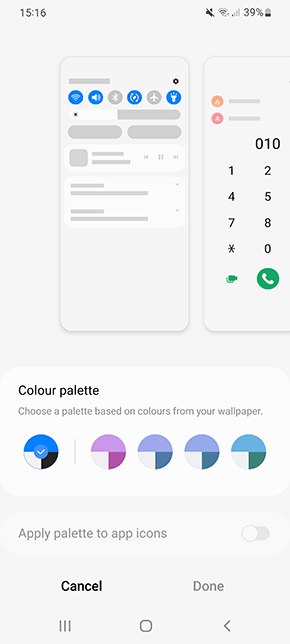
Some of them have also voiced their concern that the Quick Panel settings are greyed out on their Samsung device right after installing the latest One UI 6. If you are also facing the same issue, then this guide will help you rectify it.
Fix Samsung One UI 6.0 Quick Panel greyed out
- Capture Samsung One UI 6.0 Beta Update/OTA Download Link
- Galaxy S23 One UI 6.0 Random Reboots: How to Fix
- How to Remove Downloaded One UI 6 Beta Update?
- Samsung Work Profile VPN not working on One UI 6: How to Fix

(Cancel Reply)
Δ
