Samsung SmartThings App Login Issue on iOS: How to Fix
In this guide, we will show you the steps to fix the Samsung SmartThings app login issue on iOS. There are literally a plethora of smart home devices that are spread across various genres. Be it the speakers, displays, lights, casting devices, or even doorbells, well the list goes on. Seeing this as the perfect opportunity, Samsung launched the SmartThings app. Using this app, you could easily control all your smart home devices under one roof, whether it’s the Google Nest, the Philips Hue smart light, or Alexa Voice Assistant.
Moreover, the app isn’t only limited to Samsung devices, you could try it out across any Android and iPhone smartphone. However, as of now, its iOS app seems to be getting bugged with a plethora of issues. These include the network issues , repeated notifications asking you to agree to the “updated” privacy notices, and scenes and routines not working along the expected lines. To add to it, users are now reporting that they are getting constantly logged out from the app.
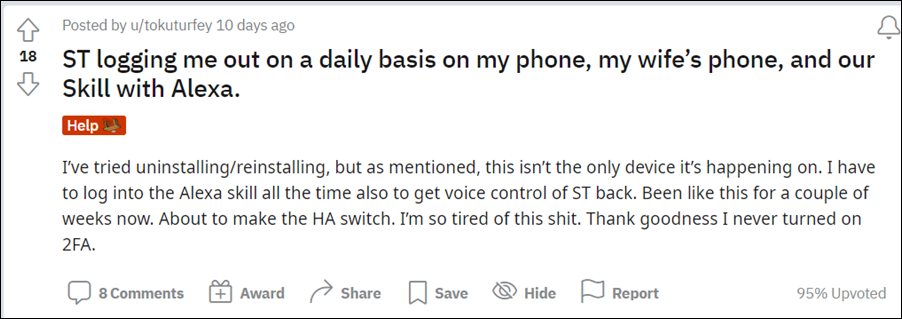
As a result of which, users are even getting signed out from the individual services as well. Hence they have to pair their smart devices all over again every time they get logged out. It is definitely one of the most troublesome and infuriating issues out there. If you are also in the same boat, then this guide will help you out. In this tutorial, we will show you the steps to fix the Samsung SmartThings app login issue on iOS. So without any further ado, let’s get started.
How to Fix Samsung SmartThings App Login Issue on iOS
The fix for this issue seemed relatively simple at first. As per the SmartThings Forums, all that we needed to do is to head over to the App Store and update the app to the latest version 1.6.77 [ direct link ]. But it doesn’t seem to do any good and users are still getting bugged with this issue. Moreover, on one hand, this update has fixed the constant privacy notices pop-ups, on the flip side though, it has bought in the network error!

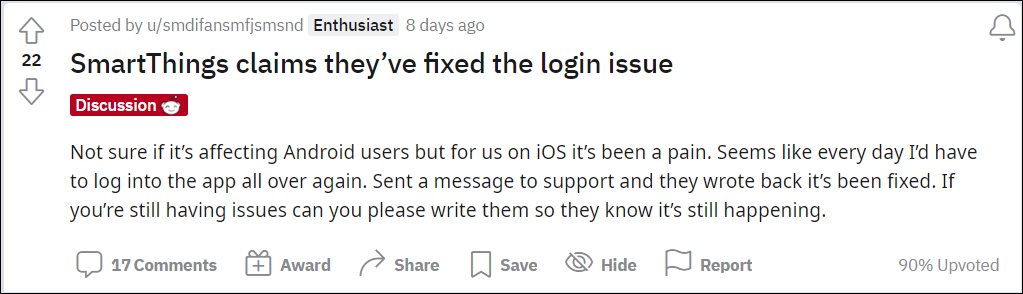
Rounding off, the irony is that while the update didn’t manage to rectify the underlying sign-in issue but it did welcome a new bug aboard! Hence if the constant pop-ups aren’t much of a concern for you, then we would suggest you stay on the current build itself and don’t update to the latest 1.6.77. It’s better to wait for a subsequent update that hopefully deals with all these issues at once. As and when that happens, we will update this guide accordingly as well.
- Fix Samsung SmartThings App Network Connection Error on iOS
- Google Home and Nest Slow to Respond: How to Fix
- Unable to Set Timer, Alarms, and Reminders in Google Nest: How to Fix
- Google Chromecast not working on 5GHz Wi-Fi: How to Fix

(Cancel Reply)
Δ
