Screenshot option missing from Recent Apps menu: How to Fix
In this guide, we will show you how to fix the missing Screenshot option from the Recent Apps menu on your Android device. The Recent App screen has silently undergone quite a few changes in ‘recent’ years. No longer it just holds the ability to force close the app, rather you could now carry out a plethora of additional tweaks. These include the likes of copying, searching, and sharing the text as well as images directly from the app preview screen, and splitting, pining, and pausing the desired app.
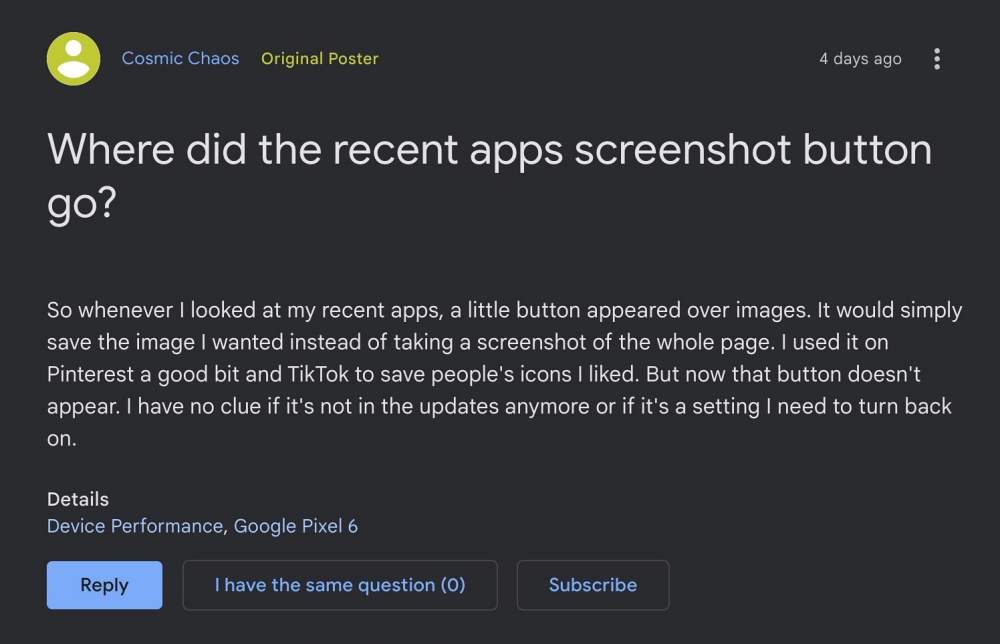
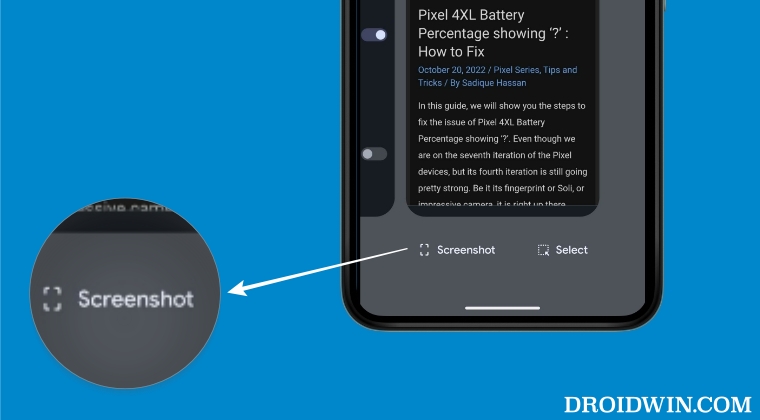
Apart from that, you could also take a screenshot directly from there. The benefit of doing so is the fact that it will only capture the preview box, the notification, as well as the bottom bar, wouldn’t be captured. However, some users have reported that this Screenshot option is missing from their Recent App screen If you are also in the same boat, then this guide will show you the steps to rectify this bug. Follow along.
Fix Screenshot option missing from the Recent Apps menu
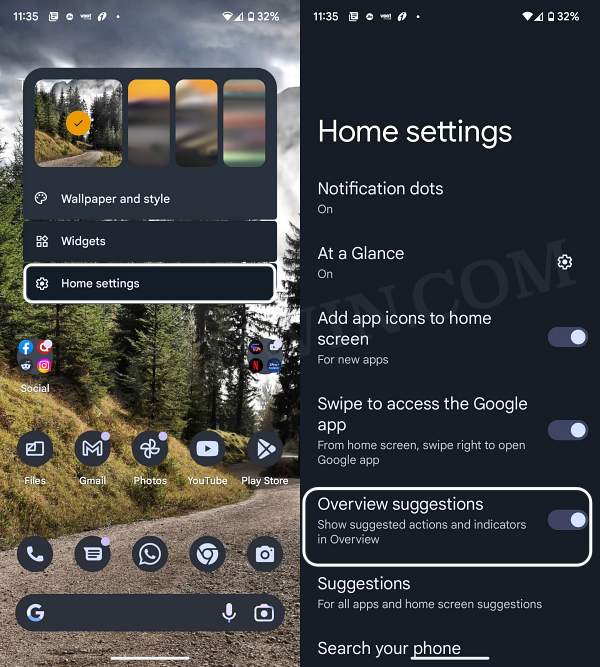
- Long press in an empty location on your Home screen.
- Then select Home Settings from the menu that appears.
- Now enable the toggle next to Overview Suggestions.
- How to Add Screenshot Button in Android’s Power Menu
- Scrolling Screenshot Not Working in Android 12: How to Fix
- Take Screenshots of Websites in Chrome Without Opening It
- Screenshot Folder Missing in Windows 11: How to Fix

(Cancel Reply)
Δ
