Secure Folder not accepting Correct Password: How to Fix
In this guide, we will show you a nifty workaround to fix the issue of Secure Folder not accepting the correct password. When it comes to protecting your personal files, then the built-in offering from the South Korean giant is perhaps the best in this domain. It allows you to keep your documents, photos, videos, and apps under a secure folder which is protected by Knox, and all the data inside it are encrypted as well.
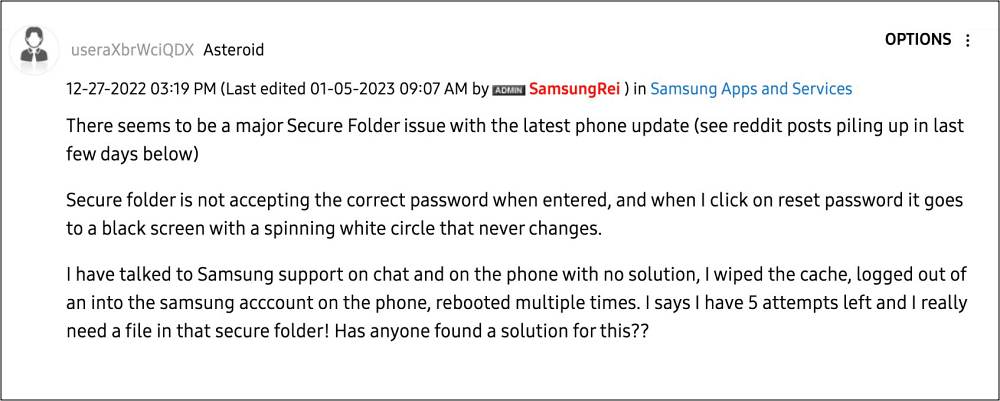
To make it even more secure, you could add a passcode or biometric lock to this folder as well. Unfortunately, this seems to have backfired for many. Numerous users have voiced their concern that the Secure Folder is not accepting the correct password and hence they are unable to access any of the files stored in that folder.
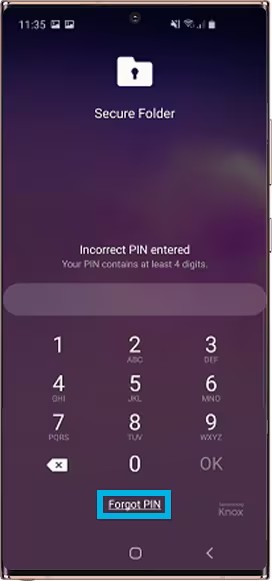
To make matters worse, users aren’t able to reset the password for the Secure Folder either. If you are also getting bugged by these issues, then this guide will help you. Follow along for the fix.
Fix Secure Folder not accepting Correct Password
Droidwin and its members wouldn’t be held responsible in case of a thermonuclear war, your alarm doesn’t wake you up, or if anything happens to your device and data by performing the below steps.
- Go to Settings > Apps > Secured Folder, then scroll down to Storage and clear its Data.
- Once done, go out of the Storage and scroll back up to the Secure Folder Settings.
- It should now prompt you to sign into your Samsung account and then take you to the settings for Secured Folder in which you can create and change the password.
- You can then sign into your secured folder with the new password and all the data that was in there the last time you used it should still be there.
- How to Use Knox Features/Apps on a Rooted Samsung
- Fix Samsung ‘This device will be locked in 24 hours’
- Samsung Dex not working after Debloat: How to Fix
- Galaxy S23 Ultra Widevine L1 downgraded to L3 [Fixed]

(Cancel Reply)
Δ
