Share Link to option missing in Chrome: How to Fix?
In this guide, we will show you a workaround to mitigate the issue of the ‘Share Link to’ option missing from Chrome. This browser from the search engine giant beholds a slew of nifty yet underrated features. One among them is the ability to directly share a specific webpage via numerous sources. This is divided into two sections. In the first section, you get the options to Copy Link, Send Link to Device, create QR Code, Cast, and Save page as.
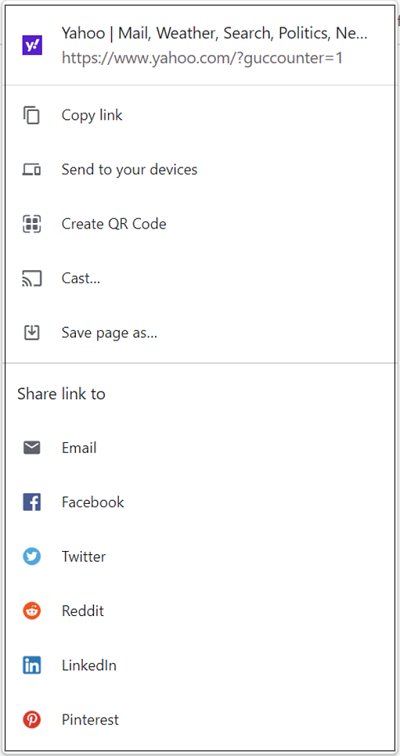
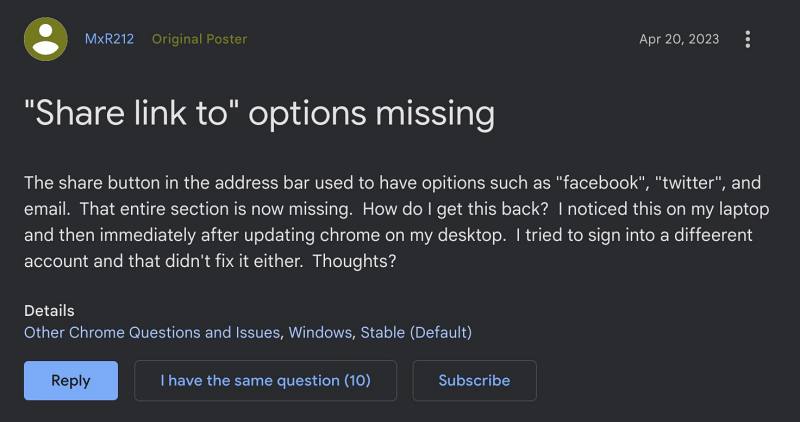
Tyen the next section has the option to directly share that page via a social media handle such as Facebook, Twitter, and LinkedIn, among others. However, the latter section has suddenly gone missing from the browser. This issue first came to light after the update version v112.0.5615.138 and is bugging the users ever since. So is there a way to bring back the Share Link to option in Chrome? Let’s check it out.
Fix Share Link to option missing in Chrome
We have to break it down to you but the option isn’t missing due to any bug or issue- it is an intended change from Google. As far as the reason behind this change goes, well, it is one of those many changes that doesn’t;t comes with any explanation or make any sense. But the rumors doing the round is that this feature wasn’t being used by a major chunk of the population, so they decided to bid it adieu for good.
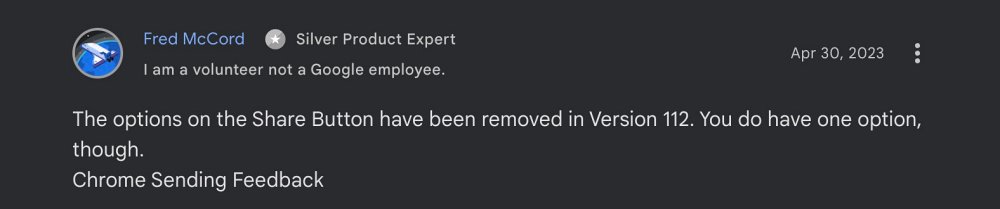
But since this feature has been officially removed, there is no workaround as such that could help you bring back this feature. So what are your alternatives? Well, you could now use the Copy Link option to get hold of the URL and then manually share it to your preferred social media account. Unfortunately, this would call for additional time and effort, but this is your only way of addressing this issue.
- Chrome changes color theme automatically: How to Fix
- Chrome opens Default App Settings on Windows [Fixed]
- Google Chrome webcam not working on Mac [Fixed]
- How to turn off Chrome Custom Share menu on Android

(Cancel Reply)
Δ
