SmartTubeNext ModernClientData Error on Android TVs [Fixed]

However, as of now, it seems to be going through a rough patch. Various users have voiced their concern that they are constantly getting bugged with the ModernClientData Error in the SmartTubeNext app. The entire message spells out that “Error occurred. Please send this file to the support team file-location/ModernClientData”. While it isn’t conflicting with the app’s normal functionality, still it tends to distort the viewing experience by blocking the bottom half of the screen.
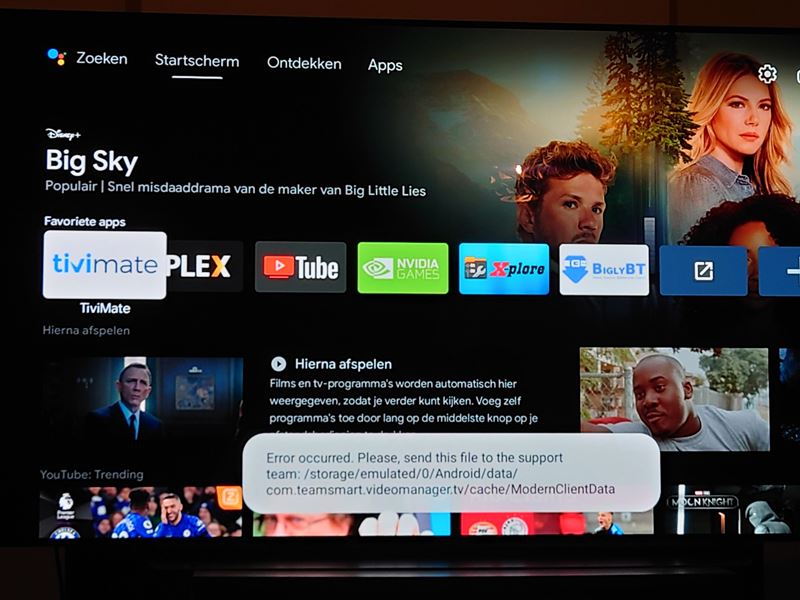
How to Fix SmartTubeNext ModernClientData Error on Android TVs
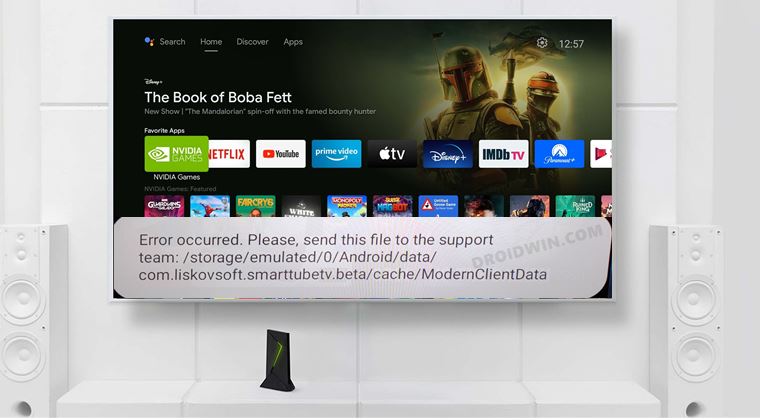
One of the biggest perks of using an open-source app is that we could easily voice our concerns and more importantly, developers are quick to respond to the community’s needs. And the same has happened this time around as well. After listening to all the concerns over at Reddit and GitHub, the developers have rolled out a new update that has finally resolved this issue.
So all that you need to do is update SmartTubeNext to the latest version 14.16. As far as the process goes, you could directly update it from within the app itself. Or you could also sideload and install the APK from GitHub, whose direct link we have shared as well: latest beta download | latest stable download .
- How to Remove Ads on Nvidia Shield and other Android TVs
- Unlock Bootloader on Nvidia Shield TV
- How to Downgrade Nvidia Shield TV to Android 9
- Install Nvidia Shield TV ADB Fastboot Drivers in Windows 10/11

(Cancel Reply)
Δ
