Standby Mode “Never” Turn off not working for many
One of the most eye-grabbing features with the release of the seventeenth iteration of the OS was the Standby Mode. For the unaware, this is a new Lock Screen mode that activates when your iPhone is charging and positioned in a landscape orientation. You could customize this mode and choose from numerous preset screens, including the likes of interactive widgets, photos from your gallery, and date & time.
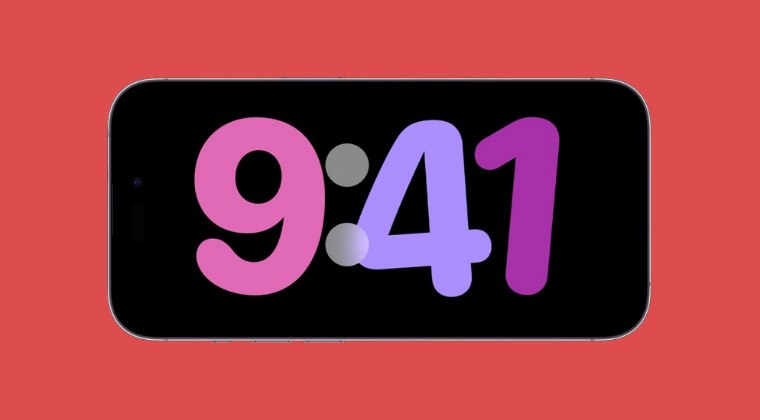
However, up until now, there was no standalone option to configure this feature, it was entirely dependent on AOD [granted your device supports AOD, which is iPhone 14 and higher versions]. When AOD was enabled, StandBy would not turn off. Whereas if AOD is disabled, it would turn off after 30 seconds, and you have to wake it up. For older iPhones without AOD, StandBy Mode should automatically turn off after around 30 seconds of inactivity.

While that’s well and good, however, the fact that you didn’t have granular control over this feature was a major drawback for many, and understandably so. Fortunately, with the latest iOS 17 update, this issue has been addressed and Standby Mode is no longer dependent on AOD. You now have the option to select Never under Standby Mode and the latter will never be disabled even if AOD is turned off. Or so we thought.
- Standby Mode “Never” Turn off not working for many
- Red Font on Standby Mode on iOS 17
- Is there a Fix?
Standby Mode “Never” Turn off not working for many
Numerous users have voiced their concern that even if they select Never under Settings > Standby > Display, the Standby Mode is still turned off when they check their device in the morning. This makes the entire functionality futile. Adding salt to the wounds the misery doesn’t end here as Standby is bugged with another weird bug.
Red Font on Standby Mode on iOS 17
According to a few user reports, if you select Never under standby Mode, then for some reason, it will force enable Night Mode. As a result of this, the display will adopt a reddish font as well.
Is there a Fix?
As of now, there doesn’t exist any official or unofficial workaround that might spell out success for you. This is mainly because the issue has only been reported by a tiny minority, so Apple might not even be aware of this issue in the first place. So it is highly recommended that you file a bug report and make them aware of it at the earliest. Once that happens, they might then roll out a patch which will itself take a couple of weeks. All in all, it’s quite a lengthy process in making. But better late than never!
- Standby Mode automatically turns off: Bug or by design?
- iPhone iOS 17: Alarm Snooze not working on Standby Mode
- Notifications not working in Standby Mode: How to Fix
- How to Enable iPhone iOS 17 Standby Mode on Android

(Cancel Reply)
Δ
