Synapse X Failed to Download Launcher Data [Fix]
In this guide, we will show you the steps to fix the Synapse X Failed to Download Launcher Data error. This coding engine software gives you the perfect platform to easily execute the scripts of your choice without any roadblocks. It is extensively used in the online game platform & game creation system Roblox. However, as of late, it is giving quite a tough time to the end users.
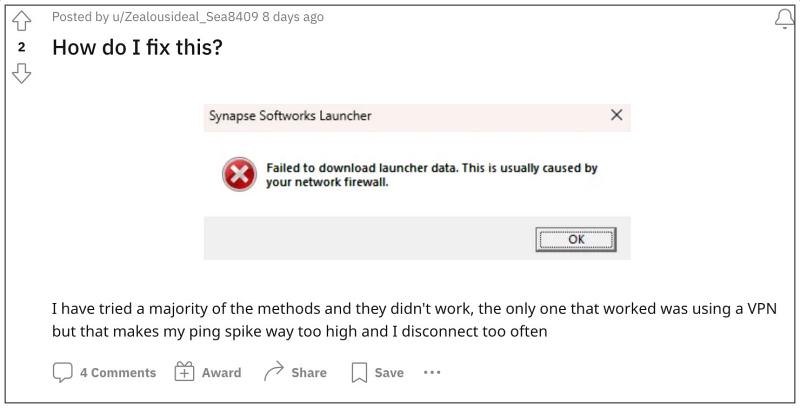
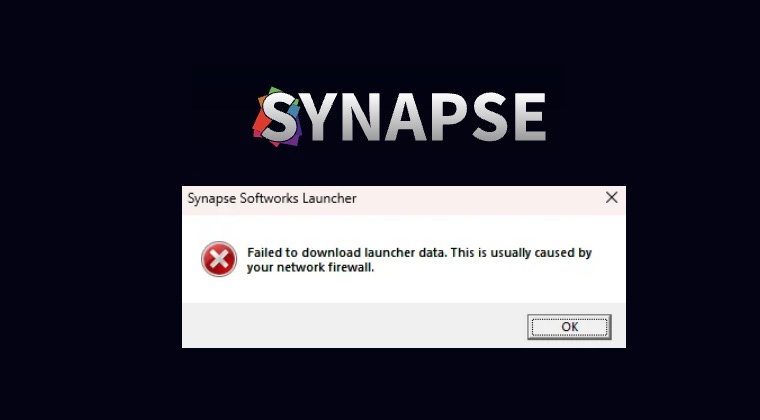
In this regard, numerous users have voiced their concern that they are getting the Failed to Download Launcher Data error when trying to launch Synapse X. The rest of the error message informs us that “this is usually caused by your network firewall”. However, users have already tried disabling Firewall and other antivirus software installed on their PC but to no avail. If you are also getting bugged by this issue, then this guide will help you rectify it. Follow along.
Fix Synapse X Failed to Download Launcher Data
The reason behind this issue is many Internet Service Providers are currently blocking the Synapse X website or its DNS Address. So you could make use of the Cloudflare WARP Doamn name Server to bypass this issue. So grab hold of it from its official site and then install it right away. Then launch it and enable the toggle next to WARP.
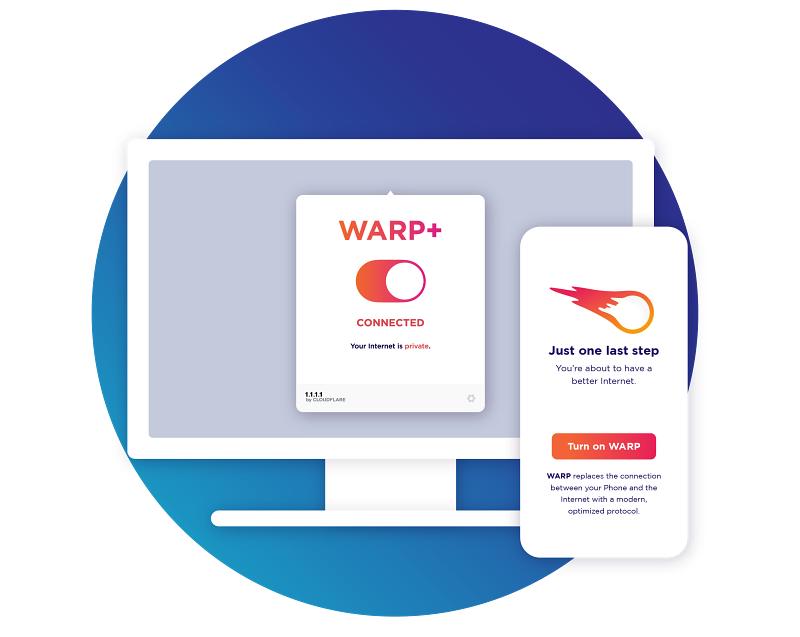
Credits: Cloudflare
That’s it. As soon as WARP gets up and running, it will straightaway fix the Synapse X Failed to Download Launcher Data error. As far as the official stance on this matter is concerned, the developers are yet to acknowledge this issue, let alone give out any ETA for the rollout of a fix. As and when any of these two things happen, we will update this guide accordingly. In the meantime, the aforementioned workaround is your best bet.
- How to Add DNS Quick Setting Tile on Android
- How to Add Multiple IP Address and DNS Address in Windows 11
- Change DNS Address on Android [Google, Cloudflare, CleanBrowsing]
- An internet connection is required to install macOS [Fix]

(Cancel Reply)
Δ
