Telegram Text Formatting: Bold, Italics, Underline missing in iOS 16 [Fixed]
In this guide, we will show you the steps to fix the issue of Bold, Italics, Underline, and Spoiler text formatting options missing in Telegram on iOS 16. When it comes to instant messaging services, then Telegram has managed quite a stronghold in this domain, all thanks to the plethora of nifty features that it beholds. Plus the fact that it provides a higher upper limit in comparison with near about every feature of WhatsApp further adds more brownie points to its arsenal.
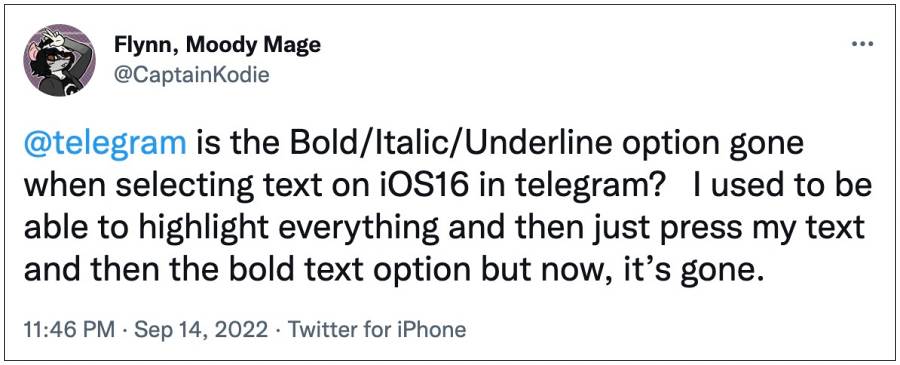
However, in spite of all the goodies attached, it isn’t free from its fair share of issues either. As of now, numerous users have voiced their concern that the Bold, Italics, Underline, and Spoiler text formatting options are missing in Telegram on their iPhone running iOS 16. As a result of which, the B/I/U menu that used to appear for formatting the text no longer comes up.
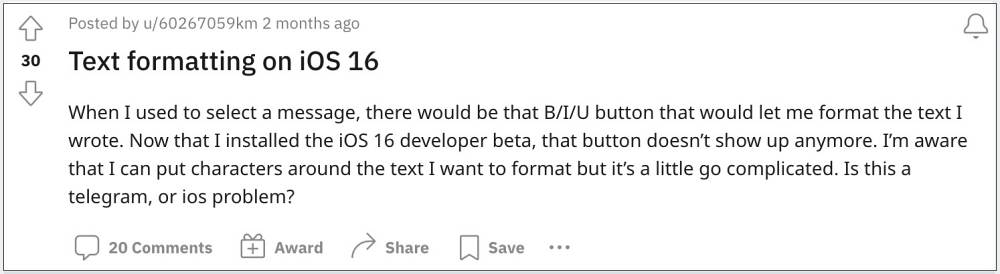
Moreover, this issue first came to light in the iOS 16 Developer Preview, which has since moved over to the Beta and now to the Stable build as well. With that said, there does exist a nifty workaround that shall help you rectify this bug. So without any further ado, let’s check it out.
Fix Telegram Text Formatting: Bold, Italics, Underline missing in iOS 16

In order to resolve this bug, your only course of action is to use the markdown shortcuts, which include:
**bold**

__Italic__

~~strikethrough~~

||spoiler||
As of now, this is the only workaround that would help you fix or at least mitigate the issue of Bold, Italics, Underline, and Spoiler text formatting options missing in Telegram on iOS 16. Or if you don’t wish to put in this manual effort, then you could also head over to the Telegram Desktop app and use it for the time being as it is free from this bug.
As far as the official stance on this matter is concerned, the developers are aware of this issue, but they haven’t given out any ETA for the rollout of a fix. As and when that happens, we will update this guide accordingly. In the meantime, the aforementioned workarounds are your best bet.
- Enable 120Hz Refresh Rate in Telegram on Google Pixel 6/Pro
- Pink/Green Overlay in Videos on Telegram Desktop App [Fixed]
- Add 3D Fluent Design Windows 11 Animated Emojis to Telegram
- Let Google Assistant Read and Reply to Messages from WhatsApp, Telegram, and more

(Cancel Reply)
Δ
