This setting is managed by your organization iOS 26 [Fix]
Right after installing the latest iOS 26.1 Beta 4 update, a slew of reports started to appear wherein users were greeted with the “This setting is managed by your organization and cannot be changed” message on their iPhone. As a result of which, they were unable to change the required settings or make the desired changes. But that’s not the worst part.

It’s the fact that it’s their own device and not linked to any organization, but even then, they are greeted with this message. This makes users scratch their heads and makes them unable to find any escape route. If you are also stuck in a similar situation, then this guide will make you aware of a nifty workaround that will help you address this problem. So without any further ado, let’s get started.
Fix This setting is managed by your organization in iOS 26
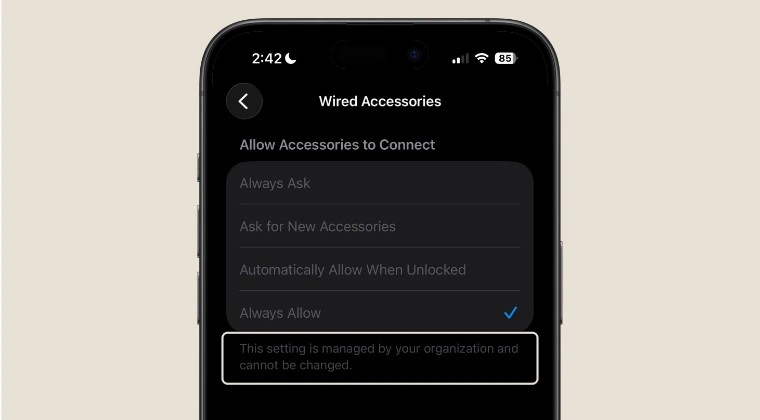
In order to rectify this issue, the only tweak that seems to be spelling out success for the users is resetting all the settings on your device. However, do note that this will only work if you are impacted by this bug; if your device is actually part of the organization, then resetting will be of no help. So with that in mind, head over to Settings > General > Transfer or Reset iPhone > Reset > Reset All Settings.

- Folder Icons Missing in Notes App on iOS 26 [Fix]
- How to Remove Black Bar over the Keyboard in iOS 26
- Full Page Screenshot Not Working on Safari iPhone iOS 26 [Fixed]
- iOS 26 Ruined Contacts App! Here’s How to Fix It

(Cancel Reply)
Δ
