Turn off Continuous/Infinite Scrolling in Google Search [Video]
In this guide, we will show you the steps to turn off continuous/infinite scrolling in Google Search. While ChatGPT has taken the search engine domain by storm, however, it is safe to assume that it has still a long way to grow before it can have a significant impact on the offering from the Silicon Valley giant. Moreover, Google itself is acquiring a few AI giants and also making some noticeable changes in the search segment.
One among them is the introduction of infinite scrolling. As a result, there are no separate pages in the search result, in other words, you don’t have to go to the next page when you have gone through the current page’s 10 results. Rather, it will automatically load the next ten results. While it definitely results in having one less item to click on, however, many users have not welcomed this change .
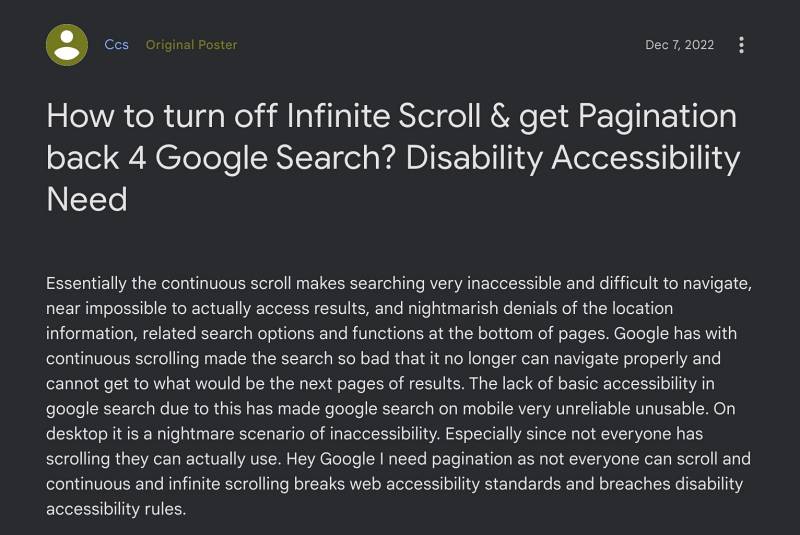
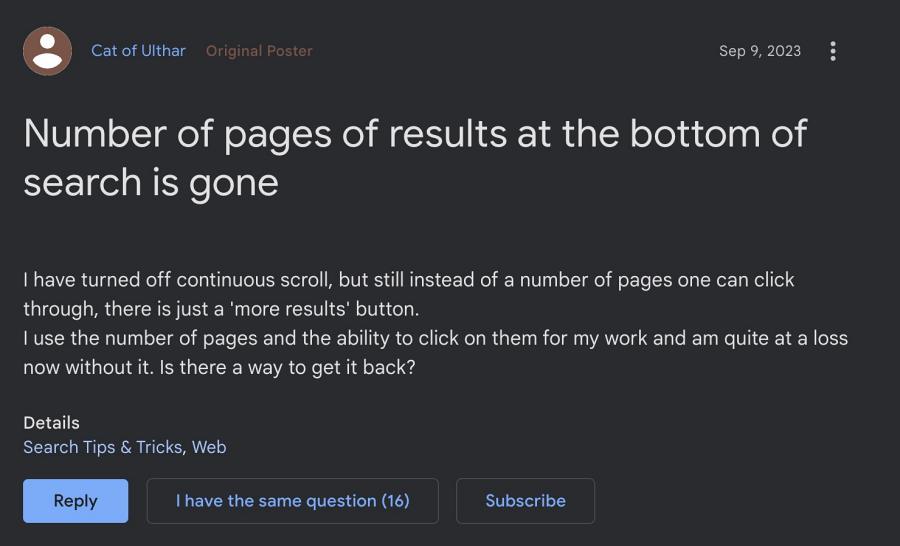
One major reason for the same is the issue that has bugged all the pages that follows this scrolling scheme- the inability to access the footer, which, in the case of Google, beholds the location settings. So is there any way to turn off continuous/infinite scrolling in Google Search? Well, there does exist a nifty workaround that will help you revert to the old search style [10 results per page]. So without further ado, let’s check it out.
How to Turn off Continuous/Infinite Scrolling in Google Search

- Launch Chrome and head over to the below location: https://www.google.com/preferences?hl=en&fg=1
- Then select 10 under Results per page and hit Save at the bottom.
- That’s it. You are now back to the old search result style.
UPDATE
Google has now picked up the pace and is now rolling out this change to more users. Moreover, some of them have even reported that Google is removing the ability to change the Results per page tweak that we have listed above, however, that is being slowly rolled out. So in case your account is affected by it, then switch over to a different account and you might get that option back and subsequently, the ability to turn off continuous/infinite scrolling in Google Search.
- Google Image Search: Looks like you’ve reached the end [Fix]
- How to Bring Back the Old Google Search Toolbar UI
- How to Disable/Remove Widgets from Google Search page
- Countdown Timer not working in Google Search [Fixed]

- lxyz 2 years ago Reply There is no page number setting for search results in Google Chrome for Macbook. sigh
- Kalpana 2 years ago Reply This is not working on my laptop (windows 10). Is there any other way ?
- Shahidul Afridi 3 years ago Reply Thanks
- SaHil 3 years ago Reply Thank you so much. It is working properly. I have done it!!
- s4t4n 3 years ago Reply this doesn’t work, dummy
(Cancel Reply)
Δ
