Unable to Set Timer, Alarms and Reminders in Google Nest: How to Fix
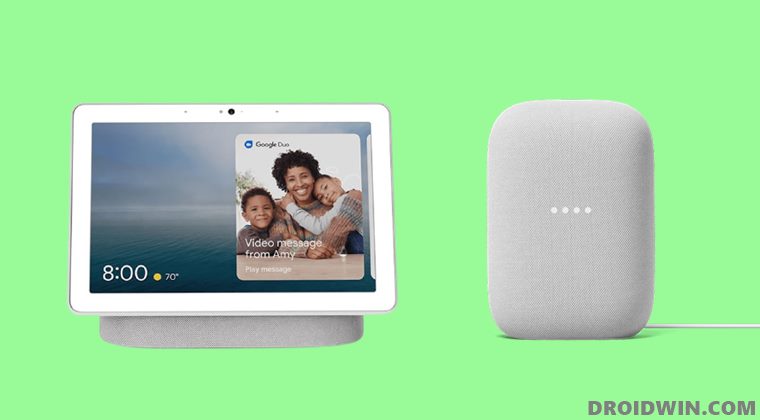
In this guide, we will show you two different methods to fix the issue of being unable to set timer, alarms, and reminders in Google Nest. The Silicon Valley giants have made their presence felt in the smart home automation domain, and in quite some style. The likes of Nest Audio, Mini, and Hub make up for a pretty interesting set of smart speakers and displays. Then the fact that they all could easily be controlled right from within the Home App adds more brownie points to its already rich collection.
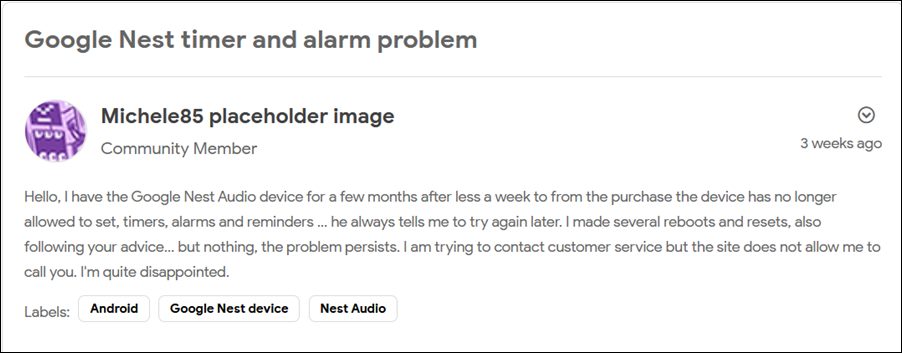
However, in spite of all the goodies attached, it isn’t free from its fair share of issues. Recently, we covered how these devices were slow to respond or stuck at the G logo for many users. While those problems were yet to be addressed, a new one has already made its way. According to many users , they are now unable to set alarms, timer, and reminders on their Google Nest Hub and Mini devices.
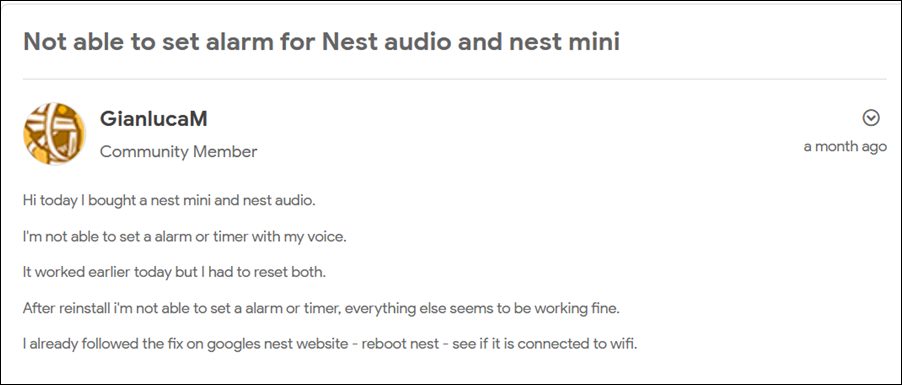
Whenever they are trying to issue the command for the same, they are instead been greeted with the following error message “I can not set a timer at this moment, please try again in a few seconds”. Users have already tried rebooting and even resetting their devices but to no avail. With that said, there do seems to exist a couple of workarounds that have managed to fix the issue of being unable to set timer, alarms, and reminders in Google Nest. So without any further ado, let’s check them out.
- Fix: Unable to Set Timer, Alarms, and Reminders in Google Nest FIX 1: Reverify Address in Google Home FIX 2: Send your Device to ‘New Home’ Profile
Fix: Unable to Set Timer, Alarms, and Reminders in Google Nest
There exist two different approaches that seem to have spelled out success for the users. You should try out both these methods and then see which one works out for you.
FIX 1: Reverify Address in Google Home
Many users were able to rectify this issue after reverifying their address from within the Home app. While this might end up taking up a few of your valuable seconds but if it resolves the underlying issue, then it would be worth the time spend. So proceed ahead with the below steps to try it out:
- Launch the Home app n your device and tap on the Settings menu.
- Then go to Home Information and select your home address.
- After that, tap on the Edit button situated at the bottom right.
- Then proceed with the on-screen instructions to complete the setup.
- Now verify if it fixes the issue of being unable to set timer, alarms, and reminders in Google Nest.
FIX 2: Send your Device to ‘New Home’ Profile
Another nifty workaround that worked out for many involves removing their Nest from the current home profile, creating a new profile, and then setting up their Nest inside this new home. So refer to the below instruction steps and give it a try:
- Launch the Home app, select your Nest device, and tap on the Settings icon situated at the top.
- After that, tap on Remove Device > Remove in the confirmation dialog box.
- Now go back to the app’s home page and tap on the plus icon situated at the top right.
- Then select Create New Home, tap on Continue, and proceed with the on-screen instructions to set it up.
- Your device should now be visible in this new profile, tap on it to pair it.
- Once complete, it should fix the issue of being unable to set timer, alarms, and reminders in Google Nest.
- However, if your device is not visible in the new profile, then tap on the plus icon and select Set up Device.
- Then select New Device and your Nest device will now be visible.
- Set it up and then check, the underlying issue must have been resolved.
- Google Home and Nest Slow to Respond: How to Fix
- Fix Google Nest Hub/Max Won’t Turn on, Stuck on G Logo
- How to Fix TuneIn not working on Google Home
- Google Chromecast not working on 5GHz Wi-Fi: How to Fix

(Cancel Reply)
Δ
