Uninstalled app still accessing location on iPhone [Fix]
In this guide, we will show you the steps to fix the issue wherein an uninstalled app is still accessing your iPhone location. One major reason why some users prefer to go for an iPhone instead of an Android device is the former’s closed ecosystem. It prevents the installation of third-party apps outside of the App Store and hence gives out a more secure environment for the general audiences.
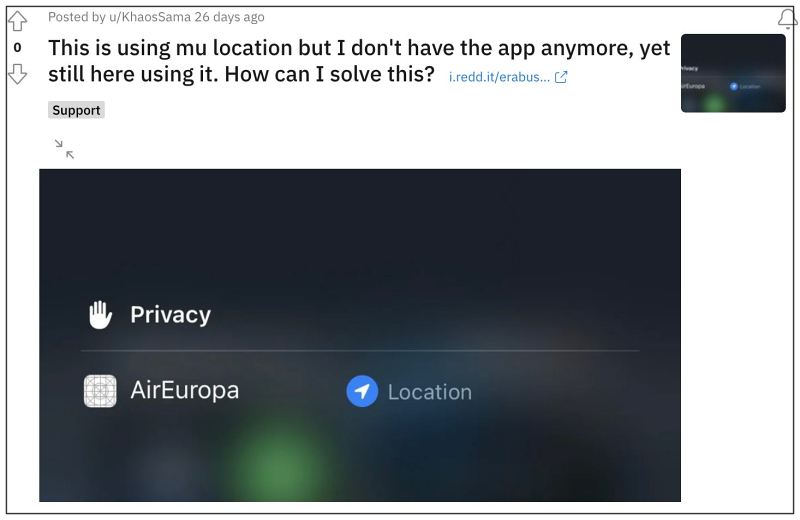
However, according to some, this wall might have been breached by a few apps. According to the affected users , they have found a few apps that they had uninstalled from their iPhones but are still accessing their device’s location. So how is this possible and more importantly how to prevent it from snowballing into a major privacy issue? Let’s address both these concerns right away.
Fix Uninstalled app still accessing location on iPhone
First and foremost, make sure that you have actually uninstalled the app and not simply deleted the home page shortcut. Once you have reverified it, let’s now address the elephant in the room- it might not be an issue at all but just be a UI glitch! So what actually happened was the app, when installed, was using the device’s location, and when you uninstalled it, you didn’t revoke/disabled its location permission beforehand.
- Location-based Automation not running automatically on iPhone?
- iPhone Sleep Focus turning off automatically: How to Fix
- Cannot Change Child’s Profile Picture on iCloud Account [Fix]
- Allow Paste in iOS 16/iPadOS 16: Does it even makes sense?

(Cancel Reply)
Δ
