Vibrate Mode icon missing in status bar in Pixel Android 12 [Fix]
In this guide, we will show you the steps to fix the missing vibrate mode icon in the status bar in Pixel devices running Android 12. To say that the latest iteration of the OS build had a dreadful start on the Pixel lineup would be a massive understatement. A plethora of bugs and issues have already plagued the entire user experience. These included the likes of device crashing to recovery mode , Bluetooth not working , inconsistent network , screen timeout not working , system UI not responding , among others.
Along the same lines, there were also a few volume-related issues, such as the inability to control the volume when you are casting media from your device. This turned out to be a legal issue and would be settled in the next update (12.1). However, there’s now another volume issue that is causing a great deal of inconvenience to the end-users. According to various users across Google Support Forum , the vibrate icon is not appearing on their Pixel device’s status bar on Android 12.
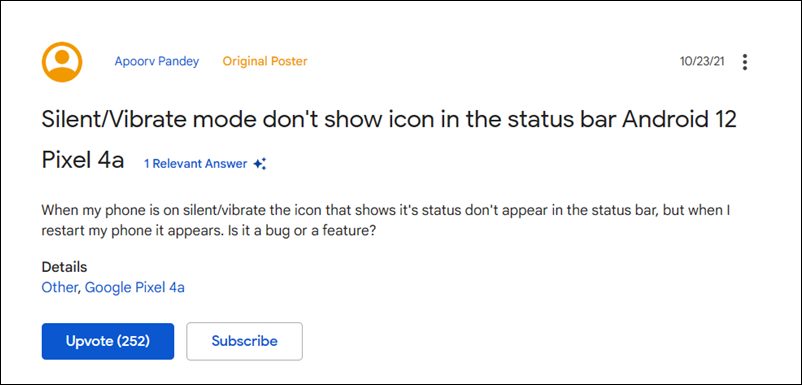
As a result of which, they are unable to verify if their device is really on vibrate or not. The Do Not Disturb and Silent Mode icons are appearing well and good and the issue is only with the Vibrate Mode. If you are also getting bugged with this issue, then fret not. In this tutorial, we will make you aware of a couple of workarounds that shall help you fix the missing vibrate mode icon in the status bar in Pixel devices running Android 12. So without any further ado, let’s get started.
- Vibrate Mode Icon Missing in Status Bar in Pixel Android 12 FIX 1: Use the Notification Shade FIX 2: Use the Volume Keys
Vibrate Mode Icon Missing in Status Bar in Pixel Android 12
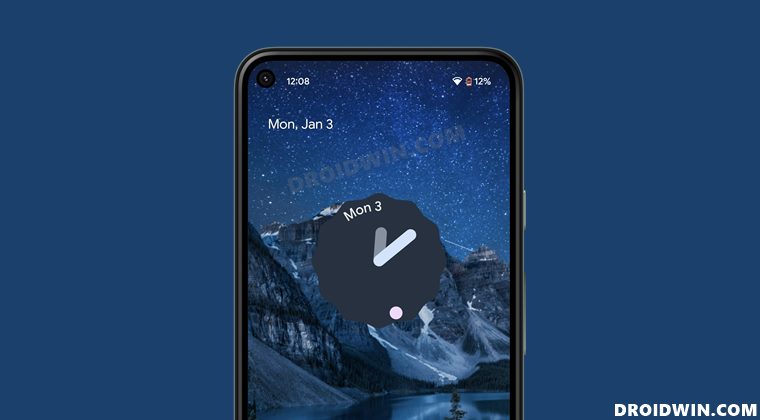
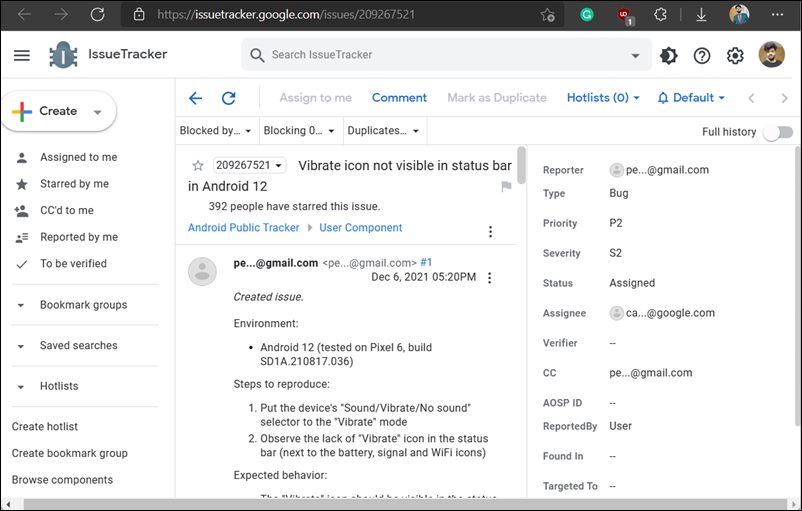
As far as the official development surrounding this bug is concerned, Google has assigned this task to the Android Support team. So there is some active development definitely going on, but there’s no ETA for the fix. Therefore, in the meantime, you may make use of the below-mentioned workarounds to get a temporary respite from this issue.
FIX 1: Use the Notification Shade
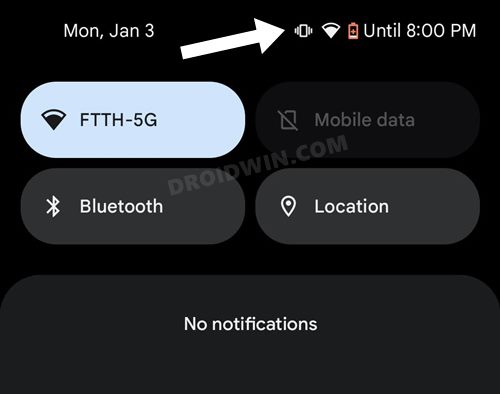
The easiest way (after the status bar) to view whether your device is on vibrate mode or not is by pulling down the notification shade. Once you do so, you will be able to verify if your device is on vibrate mode or not.
FIX 2: Use the Volume Keys
Next up, you could also use the Volume Keys to check the vibrate status. When you press either the Volume Up or Down key, it will show the vibrate status, right above the volume bar. So you may check the status from there as well.
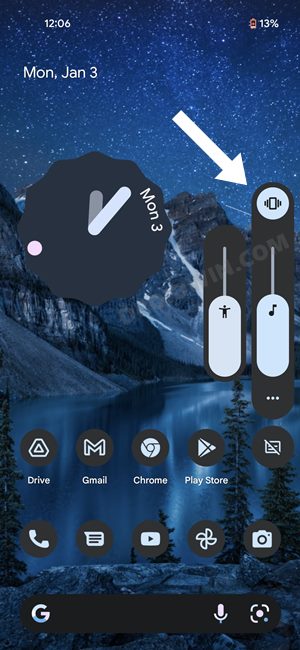
That’s it. These were the two different methods to fix the missing vibrate mode icon in the status bar in Pixel devices running Android 12. Truth be told, while both these tweaks do their job, but they aren’t the most viable methods. This is because both of them require you to carry out an additional step, as opposed to earlier times when you could directly see the status just by having a peek at the status bar.

- Joe Turtle 3 years ago Reply Worthless… So you’re saying if I forget I put my phone on vibrate, I can check by swiping down the notifcation pane? Do people not see how this makes no sense? If I remembered to check the notifcation pane, I WOULDN’T NEED THE ICON TO REMIND ME. Why TF would they remove this? The icon is there for silent mode, so it seems very unlikely that this was unintentional. Just nonsensical.
- Doesnt matter 4 years ago Reply These aren’t fixes.
- George 4 years ago Reply Well, this was a completely useless article. Never in a million years would I have thought about those “fixes”, truly brilliant.
(Cancel Reply)
Δ
