Watch Face Missing in Galaxy Wearable App: How to Fix
In this guide, we will show you the steps to fix the issue of the Watch Face missing in the Galaxy Wearable App. Since the smartwatches from the South Korean giant house the Android-based OS, it allows you to carry out a plethora of customizations. One among them is the ability to welcome a plethora of different types of watch faces [you could even import a Pixel Watch Face onto your Samsung watch !].
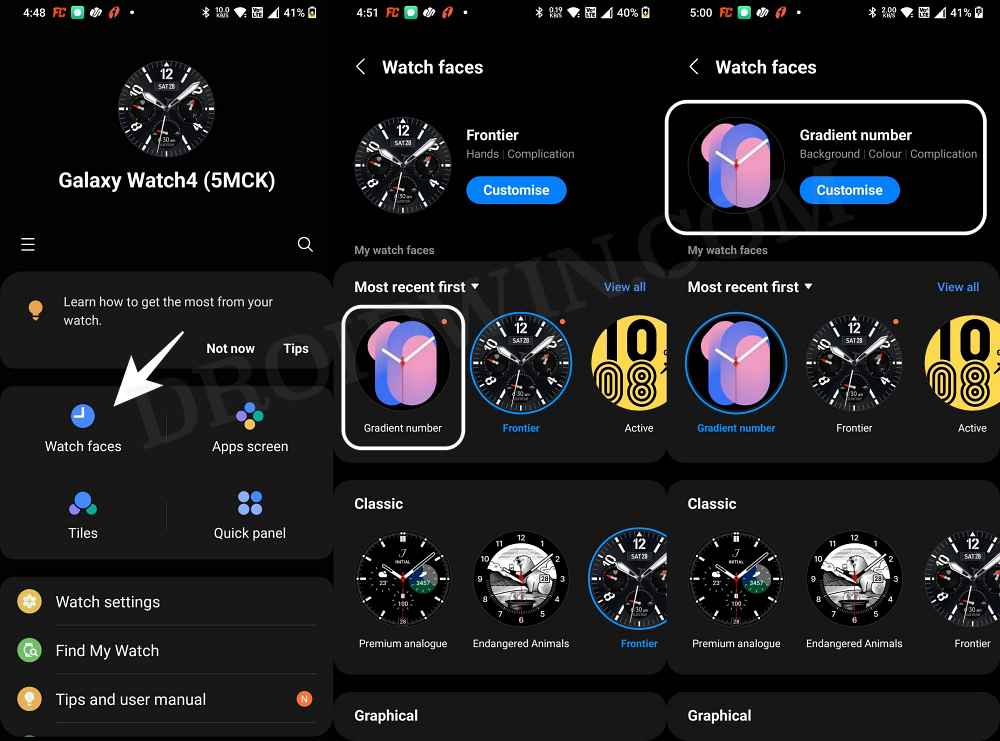
All that you need to do is install the desired watch face via ADB and then apply it using the Wear app on your device. However, many users have voiced their concern that after installing a custom watch face, it doesn’t appear in the Galaxy Wearable app [even though the watch face appears on their watch]. As a result of this, they are unable to apply that new watch face. If you are also in the same boat, then this guide will help you out. Follow along for the fix.
Fix Watch Face Missing in Galaxy Wearable App
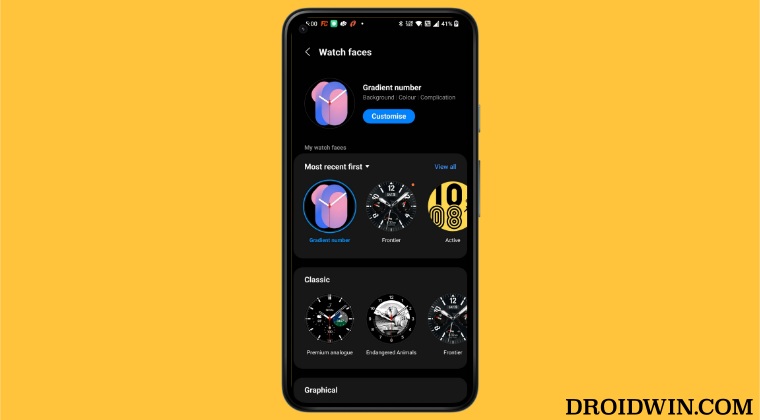
The culprit behind this issue is the latest update buggy update rolled out to the Wearable app. So to rectify this issue, you will have to downgrade the app to the earlier stable version. Here’s how it could be done:
- Head over to Settings > Apps > select Galaxy Wearable App.
- Then tap on Uninstall > OK in the confirmation prompt.
- Now download and install an older version of the Wearable app.
- Then go to Settings > Apps > select Galaxy Wearable App.
- Now open the Play Store, search Galaxy Wearable, and select it.
- Then tap on the overflow icon and uncheck Enable Auto Update.
- Now uninstall the watch face from your watch and then reinstall it. You could check out this guide as a reference.
- Once reinstalled, launch Galaxy Wearable and you should now see the newly installed watch face. Just select it to apply it.
- How to Install Pixel Watch Faces on Galaxy Watch 4/5
- How to Install Galaxy Watch 5 Watch Face on Galaxy Watch 4
- Change Screen Density/DPI/Display Size in Galaxy Watch 5
- How to Debloat/Remove Bloatware from Galaxy Watch 5/Pro

(Cancel Reply)
Δ
