What is the Password for Samsung SmartView Developer Options
In this guide, we will make you aware of the password for the Samsung SmartView Developer Options. Every OEM comes built-in with a hidden diagnostic menu which beholds a slew of useful yet advanced functionalities. This is usually intended for service center employees to check out the status of a few hardware and software features of your device. However, they aren’t the only ones out there.
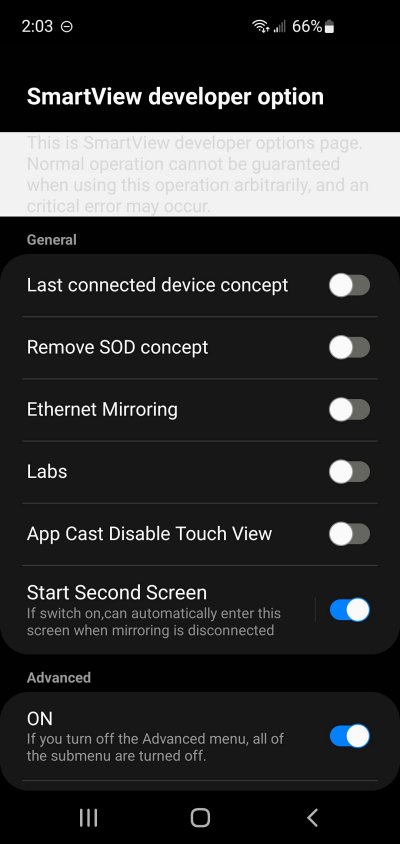
Samsung SmartView Developer Options Disabled
Many tech geeks and enthusiasts are also waiting in anticipation waiting to have a sneak peek of what’s inside this unchartered territory. And the OEM is well aware of the same. Owing to this, they have hidden all these goodies behind a password-protected gate, the keys to which are protected by their guards. Or so they thought! Well, in this guide, we will make you aware of the password for the Samsung SmartView Developer Options. Follow along,
What are the Features of Samsung SmartView Developer Options
Some of the noteworthy features of the Samsung SmartView Developer Options include the likes of:
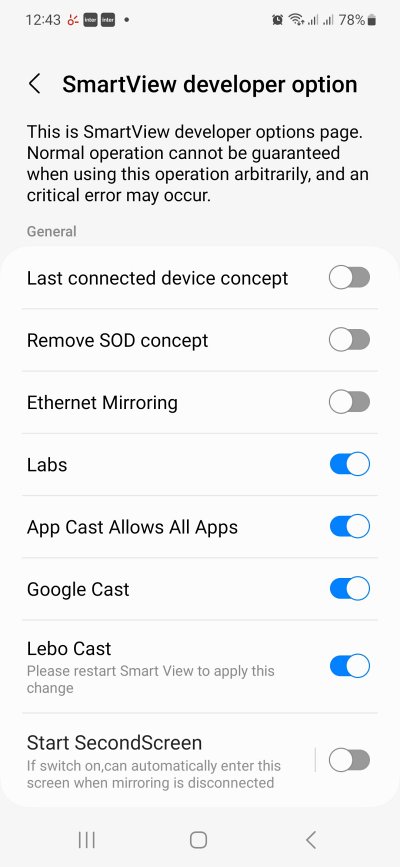
Samsung SmartView Developer Options Enabled
- Last Connected Device COncept
- Remove SOD Concept
- Ethernet Mirroring
- Labs
- Apps Cast Disable Touch View
- Start Screen Menu
- Advanced Menu: To access all the aforementioned submenus, you will first have to enable Advanced Menu.
What is the Password for Samsung SmartView Developer Options
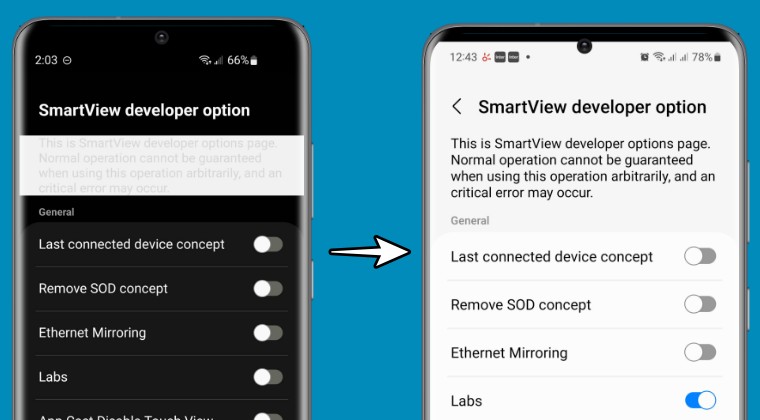
The password for Samsung SmartView Developer Options is #00rtsp00 . On the other hand, older Samsung devices should try #00sv00 as the password.
- Samsung Work Profile VPN not working on One UI 6: How to Fix
- Fix Samsung Watch App not working on One UI 6 Android 14
- Get separate Quick Setting toggles for Dual SIM on Samsung
- Samsung One UI 6: Bugs, Issues and Fixes

(Cancel Reply)
Δ
