Where is Automatically Hide and Show Menu Bar in Sonoma?
In this guide, we will make you aware of the location of the Automatically Hide and Show Menu Bar in the latest macOS Sonoma. The fourteenth iteration of the OS from the Cupertino giant has brought quite a few noteworthy features to the fore. Apart from that, there have also been a few UI/UX changes and the transfer of features from one location to another.
One such transfer that is giving a tough time to end users is regarding the new location of Automatically Hide and Show Menu Bar in Sonoma. This feature beholds four options: Always, In Desktop Only, in Full Screen Only, and Never. By default, it is set to Full Screen but that might not be in sync with every user’s requirement.
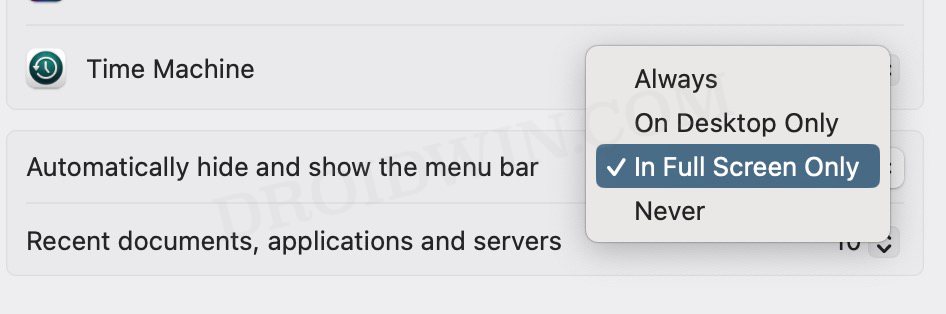
Hence they are looking to change this setting but are unable to do so because they can’t get hold of this option in the first place! if you are also in the same boat, then this guide will help you out. Follow along for the fix.
Where is Automatically Hide and Show Menu Bar in Sonoma?
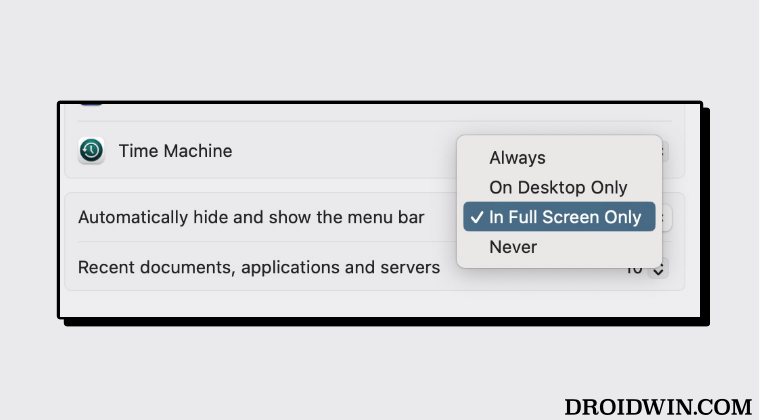
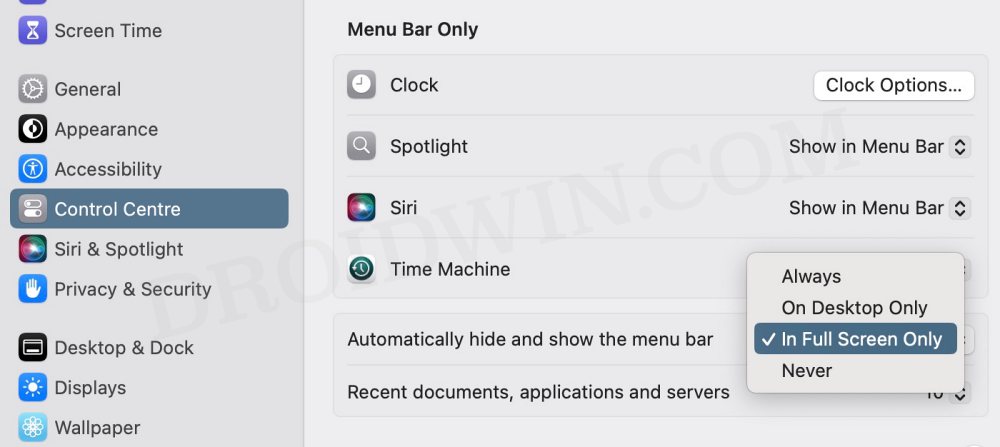
The Automatically Hide and Show Menu Bar in Sonoma is located under System Settings > Control Center > Scroll to the bottom and the feature will be right in front of you.
- How to Show 24 Hour Time on Lock Screen in Mac Sonoma
- Mac Sonoma Not Going to Deep Sleep: How to Fix
- Incorrect Time in macOS Sonoma: How to Fix
- Aerial Wallpapers Location in macOS Sonoma

(Cancel Reply)
Δ
