Where is Loop/Repeat Button in SoundCloud iOS App?
In this guide, we will make you show you the steps to access the Loop/Repeat Button in the new SoundCloud iOS App. When it comes to online audio distribution platforms and music-sharing websites, then SoundCloud is, without a shadow of a doubt, the best name in this domain. However, the latest update seems to have created quite a few confusions in the minds of the users.
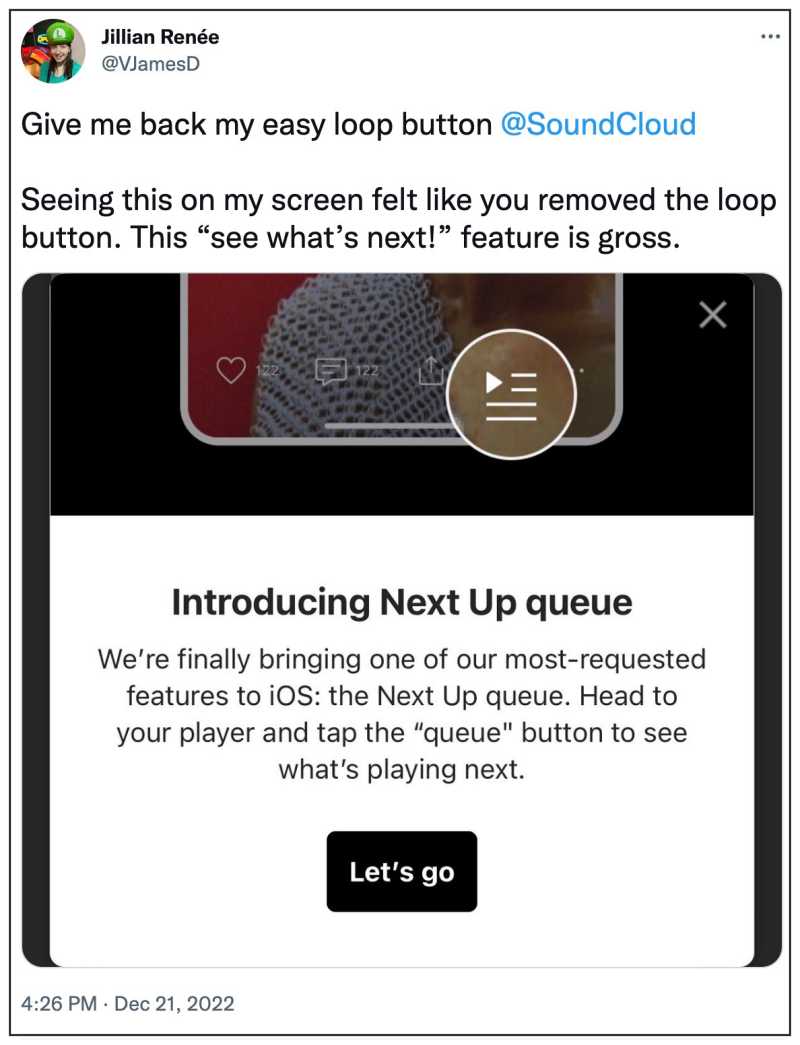
Many users have reported that SoundCloud has “removed” Loop/Repeat Button in its new iOS app update and has instead replaced it with the Next Up Queue feature. So is that really the case or is it just a case of feature repositioning? And if the latter is the case, then where is the new location of this functionality? Let’s check it out.
Where is Loop/Repeat Button in SoundCloud iOS App?

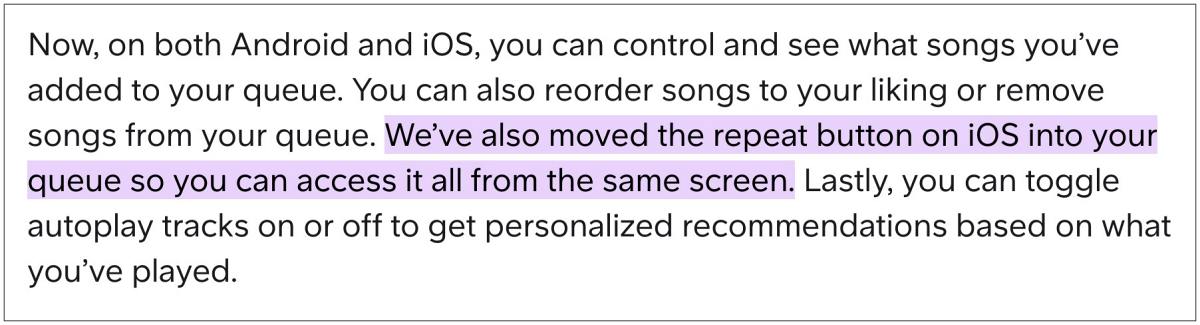
First and foremost, let’s address the elephant in the room- the Loop/Repeat has not been removed from the latest iOS app, it’s just a case of the feature being moved to another location. So where it’s now located? Well, you could now access the Loop/Repeat Button in the new SoundCloud iOS App from the Queue section.
- Reddit App Pauses Music in Third-Party Music Players [Fixed]
- YouTube Music 2022 Recap not working: How to Fix
- Siri iOS 16 error: Sorry, I can’t recognize music right now
- How to Rewatch Spotify Wrapped 2022?

(Cancel Reply)
Δ
