WiFi not working after flashing TWRP: How to Fix
In this guide, we will show you the steps to fix the issue of WiFi not working after flashing the TWRP Recovery. If you are planning to step into the custom development, then a custom recovery is perhaps the most important tool that you could have in your arsenal. From flashing custom ROMs to numerous modules, from taking a Nandroid Backup to erasing individual partitions, the possibilities stand endless.
However, in rare cases, you might stumble upon a few roadblocks as well, right after flashing this recovery. For instance, numerous Xiaomi EU ROM users have reported that as soon as they flashed the TWRP Recovery, all the wireless interfaces refused to function, including WiFi, Bluetooth, and Carrier Data. If you are also facing a similar issue, then this guide will make you aware of a nitty workaround to rectify it. Follow along.
Fix WiFi not working after flashing TWRP
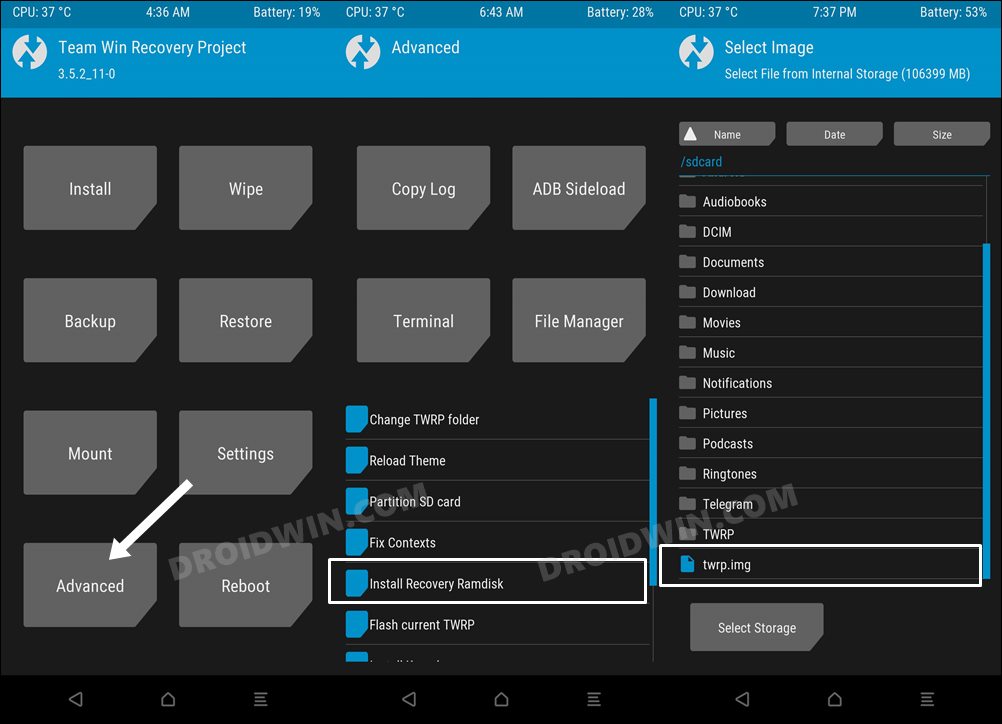
As strange as it may sound, the issue is just that you are using an older version of TWRP. To update to the latest build, you’ll have to get hold of its newest version, which unfortunately isn’t usually hosted on the official TWRP website. So in such cases, your best bet is to head over to a trusted site like XDA set and download the latest version of TWRP from there.
- How to Flash APK Files via TWRP Recovery
- TWRP Failed to unmount /data: Device or resource busy [Fix]
- How to Switch from OrangeFox to TWRP Recovery
- Cannot Access Internal Storage in TWRP: How to Fix

(Cancel Reply)
Δ
