XDefiant controller not working: How to Fix
In this guide, we will show you various methods to fix the XDefiant controller not working issue. This first-person shooter game from Ubisoft is in its early stage and has gone through quite a lot of alpha, open, and closed beta testing. However, even then, it seems there are quite a few rough edges that need polishing at the earliest. For instance, numerous users have voiced their concern that their controller is giving quite a tough time with XDefiant.
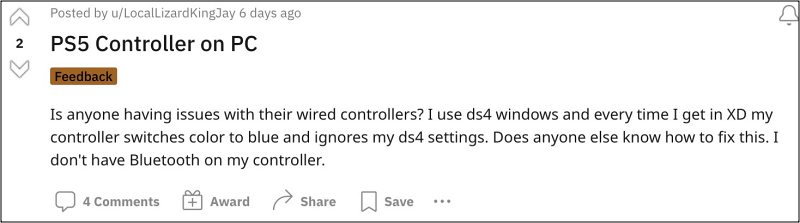
In some instances, the virtual keyboard also tends to randomly appear when a player attempts to sprint whereas PS5 DualSense Controller is resulting in the game crashing. To make matters worse, users are even unable to aim while shooting because the LT that controls aim assist does not work. Not to mention that the keys are also either not being registered or incorrectly registered. If you are also getting bugged by any of these issues, then this guide will help you out.
Fix the XDefiant Controller not working
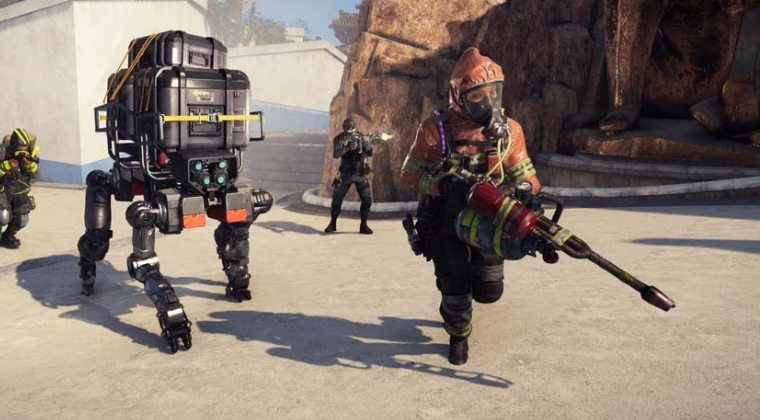
If the X is registering wrong input or not registering any input, then here’s how you could rectify this issue:
- Head over to Documents > My Games > XDefiant folder.
- After that, open “bc_general_settings” via Notepad.
- Now go to “GameplayInput_v0” and change the value from 0 to 1.
- Finally, save the changes and check out the results.
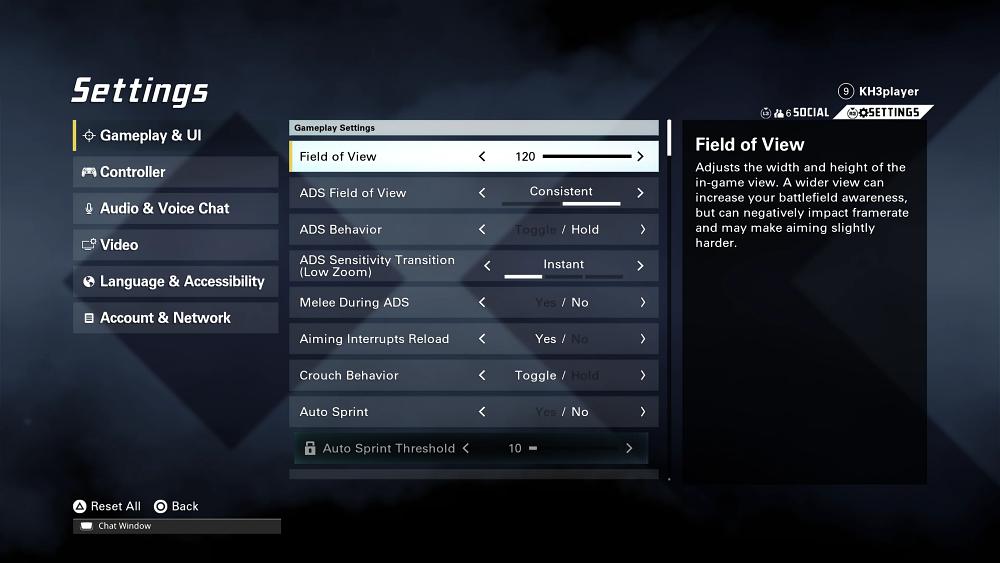
Next up, we would also recommend you set up the controller as shown in the below flour images [credit: Redditor KH3player]. Click on an image to enlarge it.


- Resident Evil 4: Xbox Controllers Dead Zone issue [Fix]
- PSVR2 Right Sense Controller not working: How to Fix
- Cannot Pair Oculus Quest 2 controllers: How to Fix
- Use Google Stadia controller with your PC Wirelessly

(Cancel Reply)
Δ
