YouTube Copy Video Frame missing in Chrome: How to Fix
In this guide, we will show you the steps to fix the issue of YouTube Copy Video Frame missing from Google Chrome. The Silicon Valley giant has recently rolled out a slew of new updates for its browser. In line with its Tips for College Students, one tweak caught everyone’s attention i.e. the ability to capture video frames. Up until now, if you wanted a grab of a particular frame of a video, then you had to pause that video and take a screenshot of the same.
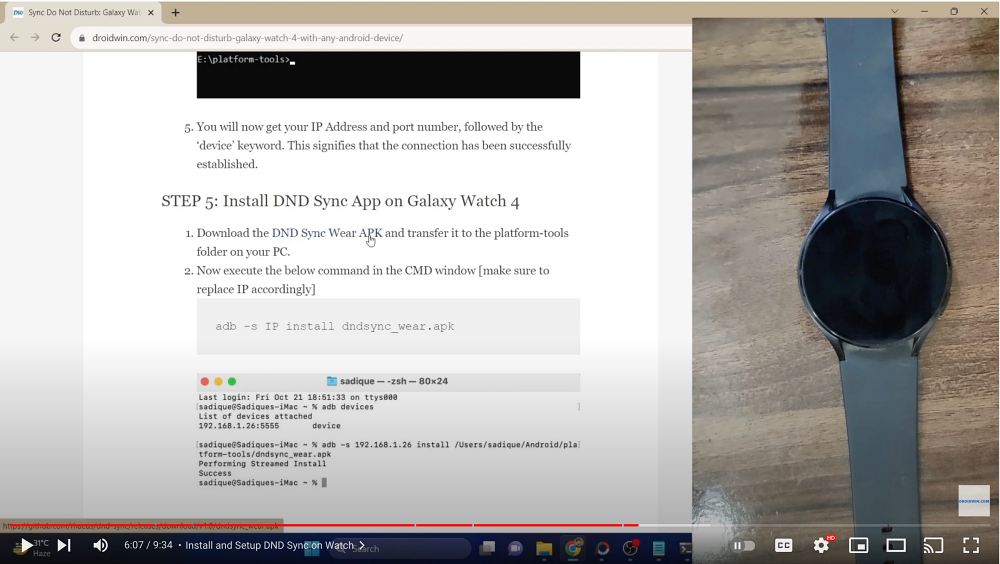
Screenshot
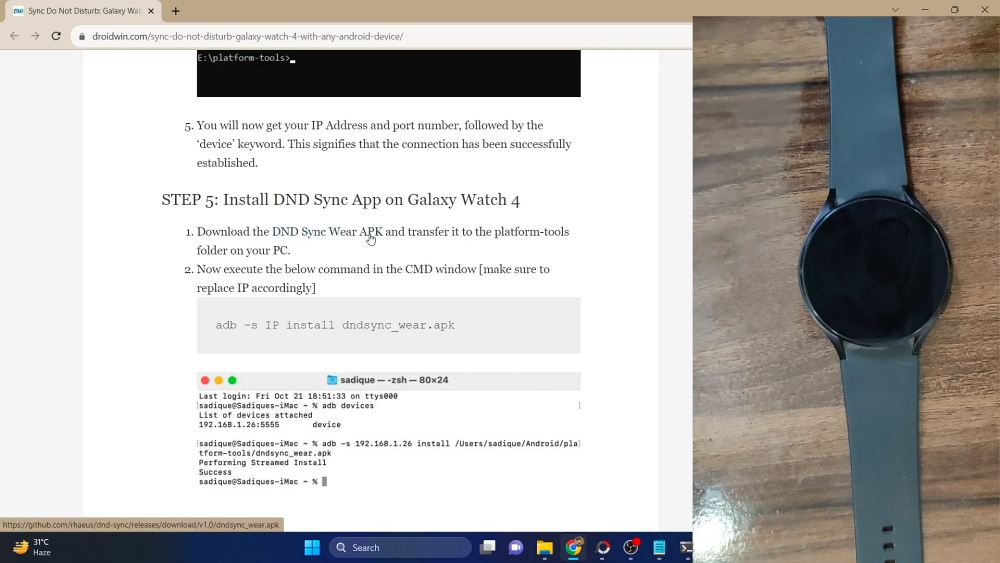
Copy Video Frame
The biggest issue with that was the fact that you would video’s progress bar cut across it, not to mention the fact that the image might not even be in full quality. Fortunately, you don’t have to worry about this any longer as Google has rolled a new feature that will get this job done, However, some users have voiced their concern that the Copy Video Frame option is still missing on YouTube in Chrome. If you are also in the same boat, then this guide will help you out.
- Fix YouTube Copy Video Frame missing in Chrome STEP 1: Update Chrome STEP 2: Use Mouse Tweak
Fix YouTube Copy Video Frame missing in Chrome

In order to get this job done, you have to checkmark two requirements, namely: update the browser and carry out the mouse-click tweak, both of which have been explained below:
STEP 1: Update Chrome
- First off, the browser version number should at least be 116
- To verify/update your browser, head over to the below location: chrome://settings/help
- If there is any pending update, download and install it right away.
- Then relaunch the browser and move over to our next fix to test out this feature.
STEP 2: Use Mouse Tweak
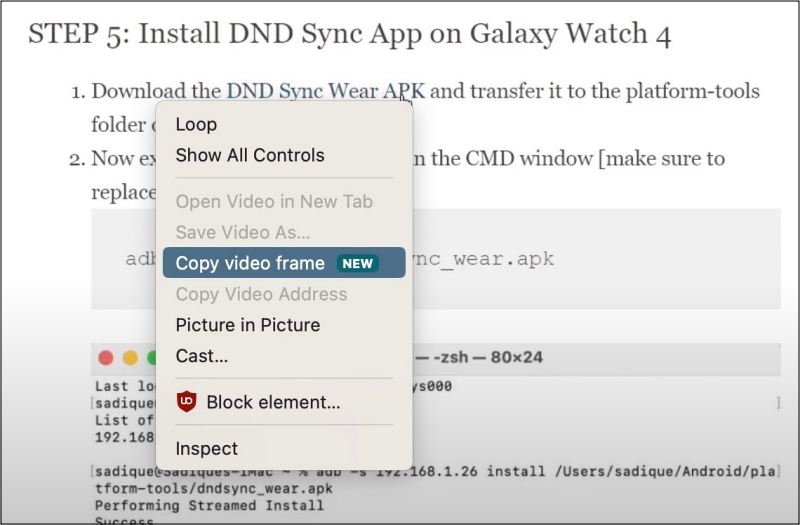
Many sites have listed that you could access this option via a right mouse click, well this is just partially true. While you need to do a right click, but that needs to be done twice. So first off, pause the video and do a right-click anywhere inside the video [you’ll get the generic menu]. Then once again do a right click on the video and this time around, you should see the Copy Video Frame option.
- How to Put Inactive Tabs to Sleep in Chrome
- How to Bring Back Google Chrome Downloads to the Bottom Bar
- Reading Mode missing in Chrome: How to Enable It
- How to Get Chrome Tabs List View instead of Grid View

(Cancel Reply)
Δ
